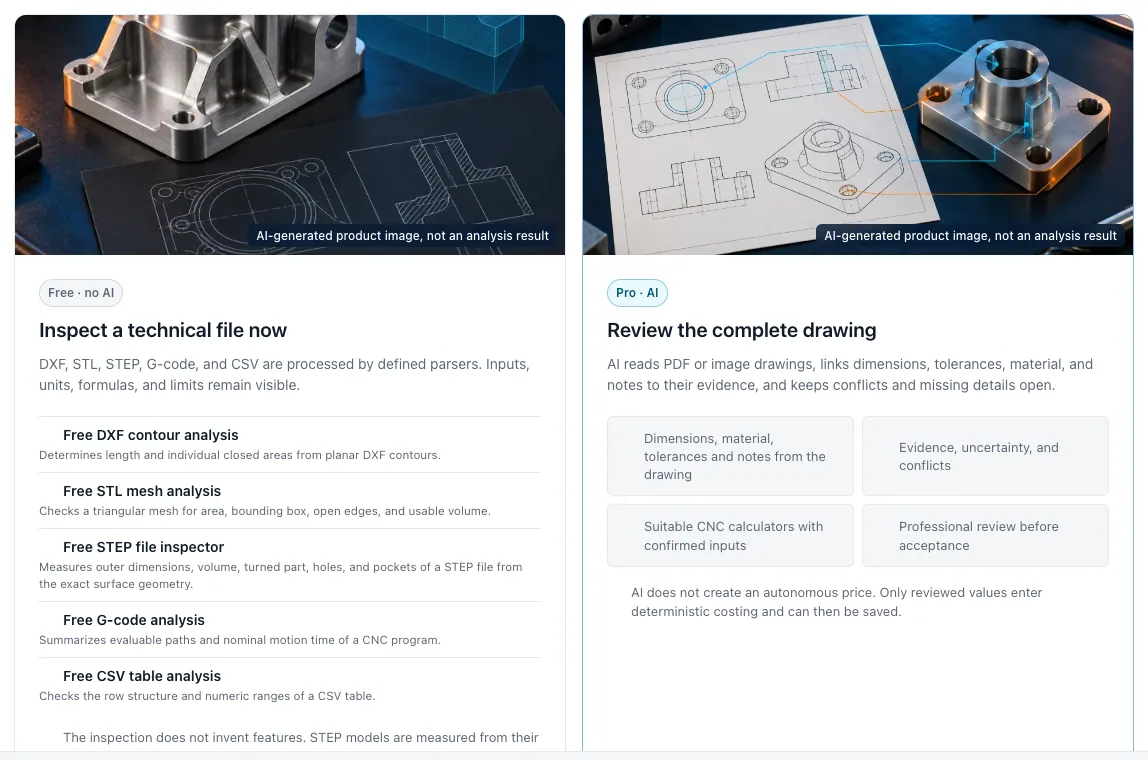
Joint evaluation of CAD model and drawing
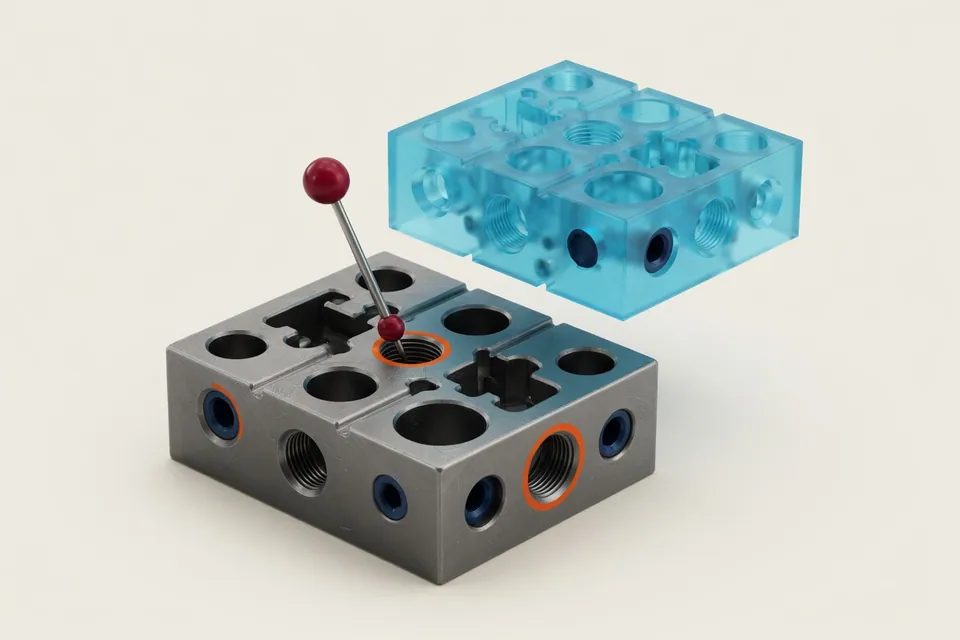
The CAD model shows the shape of a component. The technical drawing describes the conditions under which this shape has to be manufactured and tested. Therefore, both sources belong together for a CNC calculation. The public app offers free single tools for STEP, STL and DXF; the AI interpretation of PDF, PNG and JPG drawings belongs to the separate pro run. Further formats require a supported export or a pre-tested individual data transfer. CNC Kalkulator assigns CAD file and technical drawing to the same part and revision status, so that no outdated or contradictory documents are accidentally expected.
The geometry provides supported features such as external dimensions, volume, surfaces, boreholes or pockets in a structured manner. The drawing complements material, semi-finished material, tolerances, fit, thread, surface values and test requirements. Each indication retains its source. The work preparation quickly detects which information is available and which assumptions have to be confirmed.
Unreadable areas of drawing or unambiguous assignments are not added quietly, but treated as open points. This creates a reliable basis for tensioning, operations, tool selection, processing time and costs. The CAD and drawing analysis does not replace CAM or technical approval. It ensures that queries are asked earlier and the quotation calculation starts with a jointly verifiable data level.
In Pro, it doesn't remain with the evaluation: From drawing and STEP model, the app automatically creates a calculation design with material, stock, work plan, times, costs and batch prices. Each value shows its location, contradictions remain visible, and only your release makes the design a quotation. Pro is activated on request. The page describes how this takes place, fully automatic calculation from drawing and CAD.
Benefits for your team
CAD & drawing analysis reduces search work, makes assumptions comprehensible and creates a reliable basis for the offer.
Tracking Geometry
Dimensions, volumes, surfaces and supported machining features come from the 3D model.
Complementing requirements
Material, tolerances, fits, threads and surfaces are added from the drawing.
Detect Questions Early
Unclear, missing or contradictory information is marked for technical examination.