
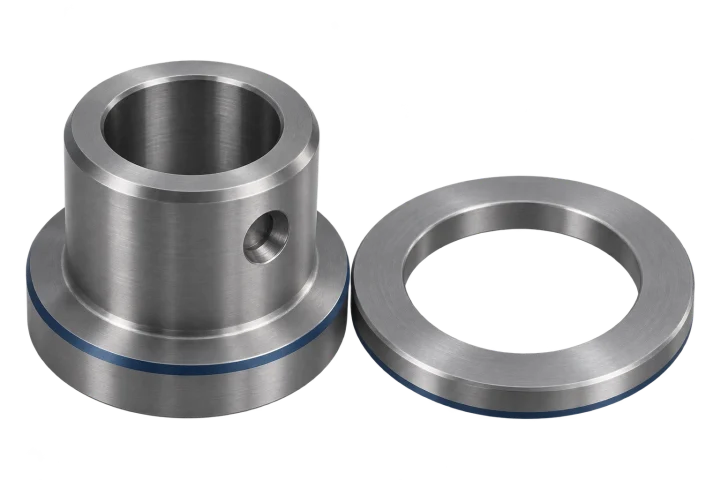
 AI-generated
Quote costing for several parts
The example quote covers 25 bearing bushes and 50 spacer rings for €4,911.50 before VAT. Surcharges and discounts can be calculated for each position and for the whole quote.
Multi-part quotes Free & Pro CNC calculators and quote costing
CNC Kalkulator is a web app with 148 free CNC calculators for spindle speed, feed, cutting data, threads, tolerances and materials. You can use them without signing in, including on your phone. CNC Kalkulator Pro adds work plans, quote management and AI quote costing. Turn an enquiry with a PDF or image drawing into a quote in minutes using your own hourly rates. Pro is available on request.
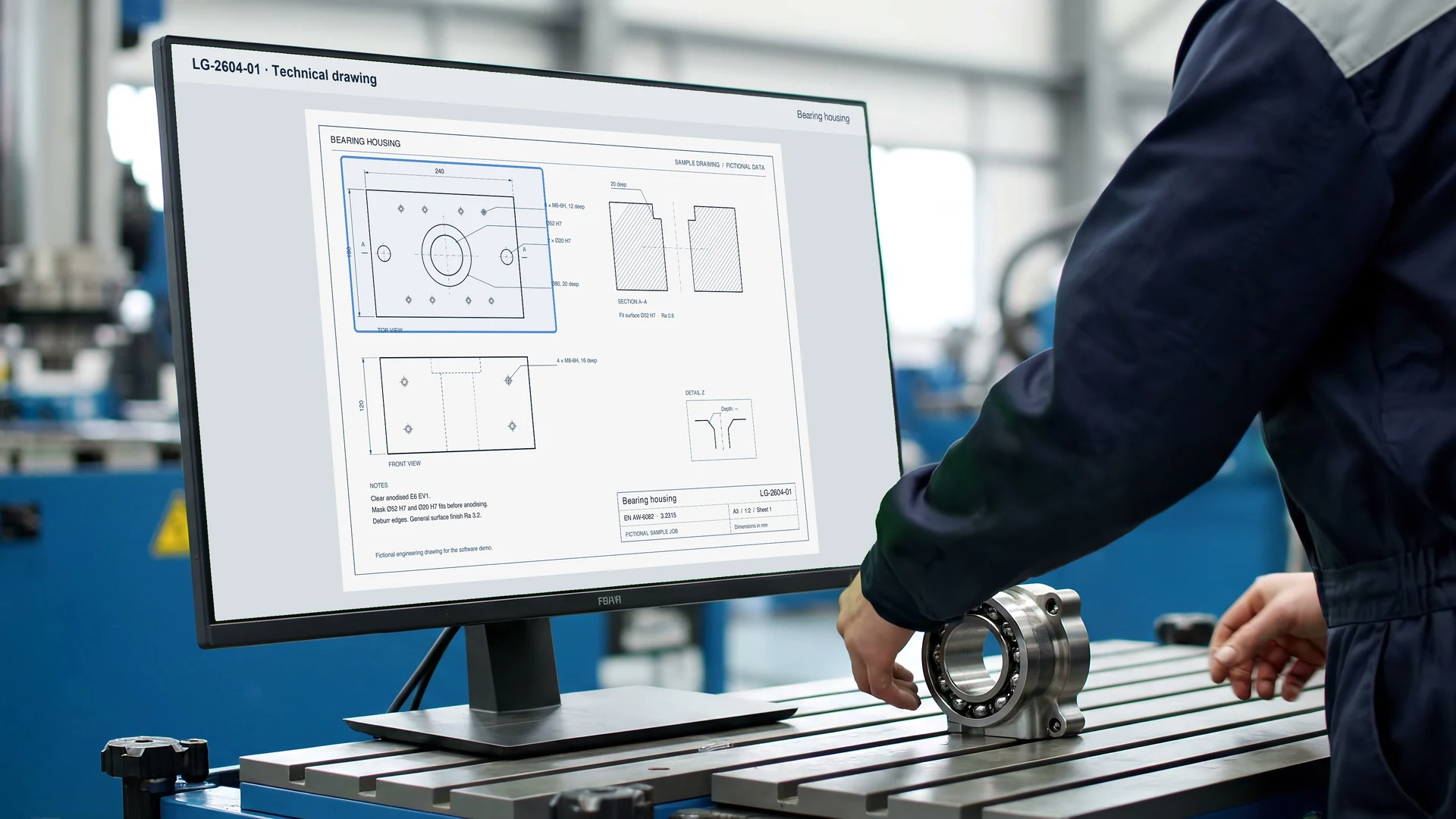
The requests keep coming. Each one needs a price. You'll find out later which become orders.
With CNC-Kalkulator Pro, costing is quick. Drop the PDF drawing into the assistant. Add a CAD file if needed.
CNC-Kalkulator AI reads the dimensions and material from the drawing. It proposes a machining plan with operations and times.
If a dimension is missing, the assistant asks. Review the draft, then turn it into a quote.
Prefer to do the math yourself? Enter material and operations in the costing form. There are over a hundred and forty free calculators, too.
With Pro, manage requests and quotes, and maintain your machines, tools and cost rates. Use the calculators in your AI app through MCP.
Request in and quote out. Request Pro access or book a free consultation.
Pro reads dimensions, material, tolerances and surface finishes from the technical drawing. Add a STEP model if available. Pro proposes a work plan with machining operations, times and costs. Review the source locations, conflicting readings and open questions before using confirmed values in the estimate.
The free quote assistant asks about the part, material, stock, quantity, machining times, hourly rates and surcharges without requiring an account. Compare quantity variants for multi-item quotes. Setup and programming costs are fixed per batch and spread across the parts in that batch.
Quote assistant without an account · Pro on request
Automatic costing from drawings and CAD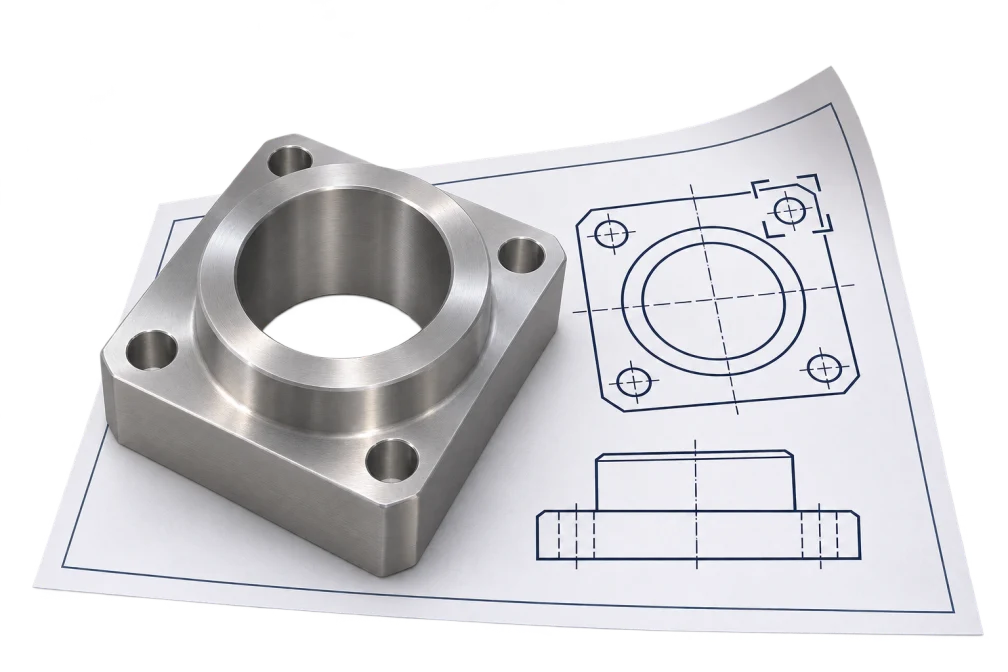
Keep your machines, tool inventory, materials and rates in Pro and reuse them on the next job. Look up density by material grade, short name or alias such as V2A. The stock calculator uses your dimensions and price per kilogram to work out material costs.
Machine data and shop rates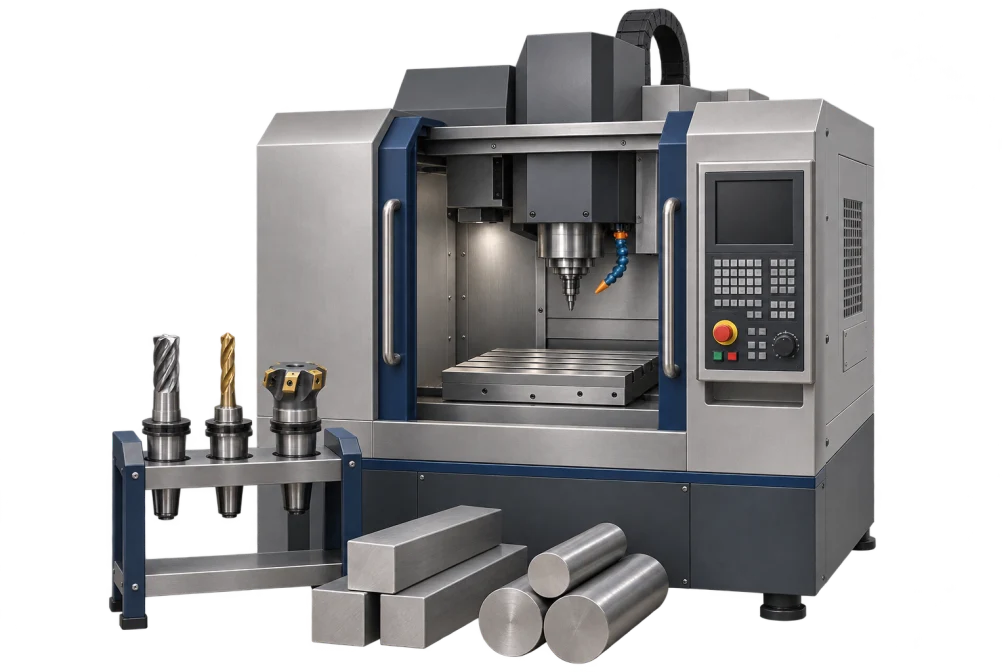
In Pro, the technical drawing, CNC work plan and quote all belong to the same job.
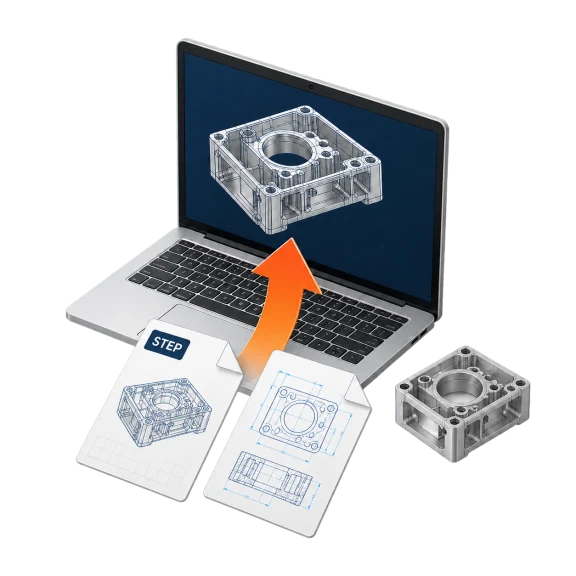
Add a PDF or image of the drawing and enter the quantity. You can include the STEP model.
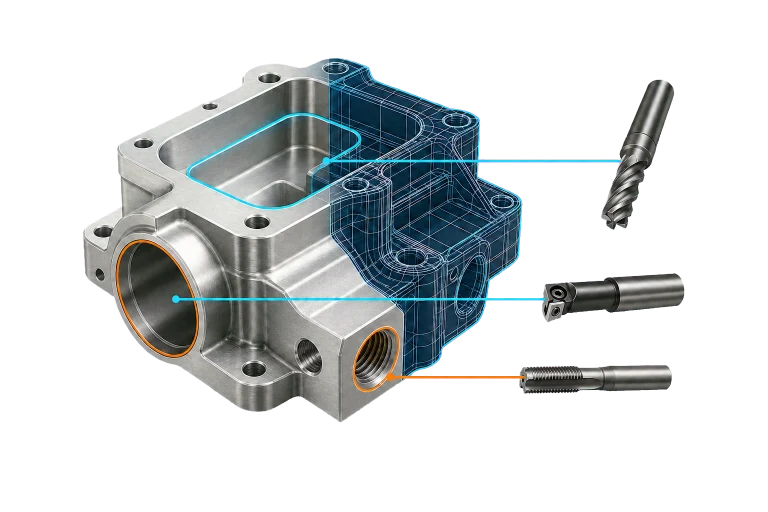
The app reads dimensions, material, tolerances and finishes. It shows where each value came from and asks for missing information.
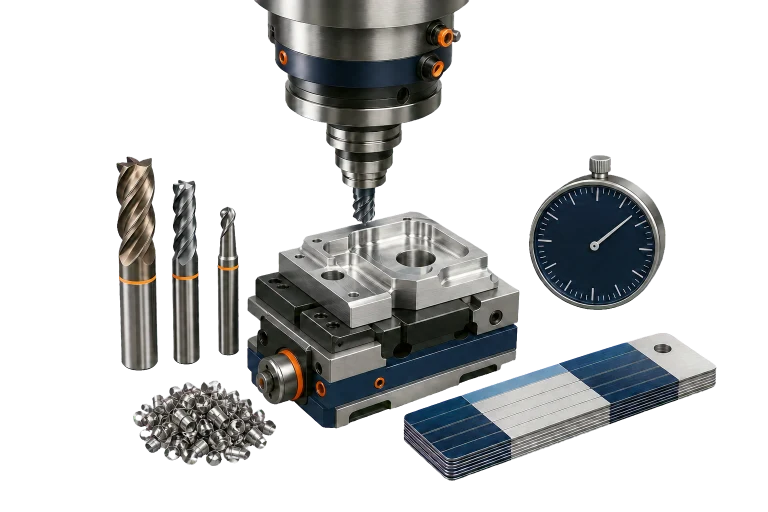
Review the proposed work plan with operations, setups and times based on your machines, tools and shop rates.
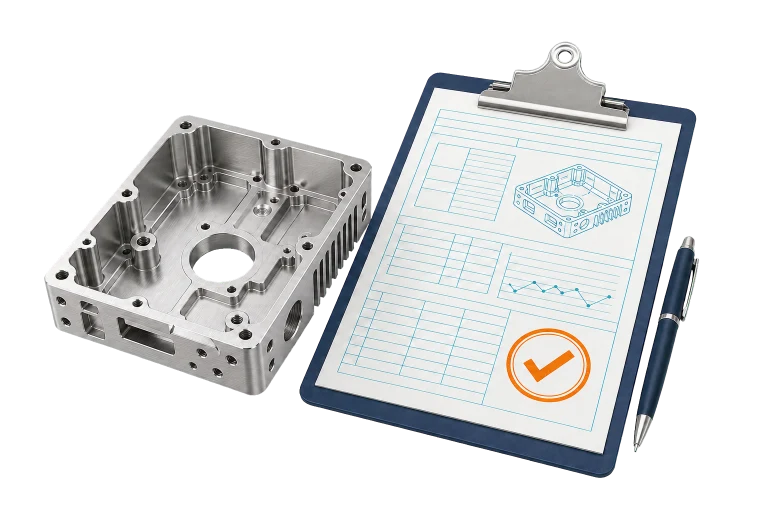
Check or adjust the calculation, then export the quote as a PDF to send to your customer.
Enter material, stock, quantity, machining times, hourly rates and surcharges in the form or with the quote assistant, without signing in. The calculation shows how your entries affect the price per part.
Open quote assistant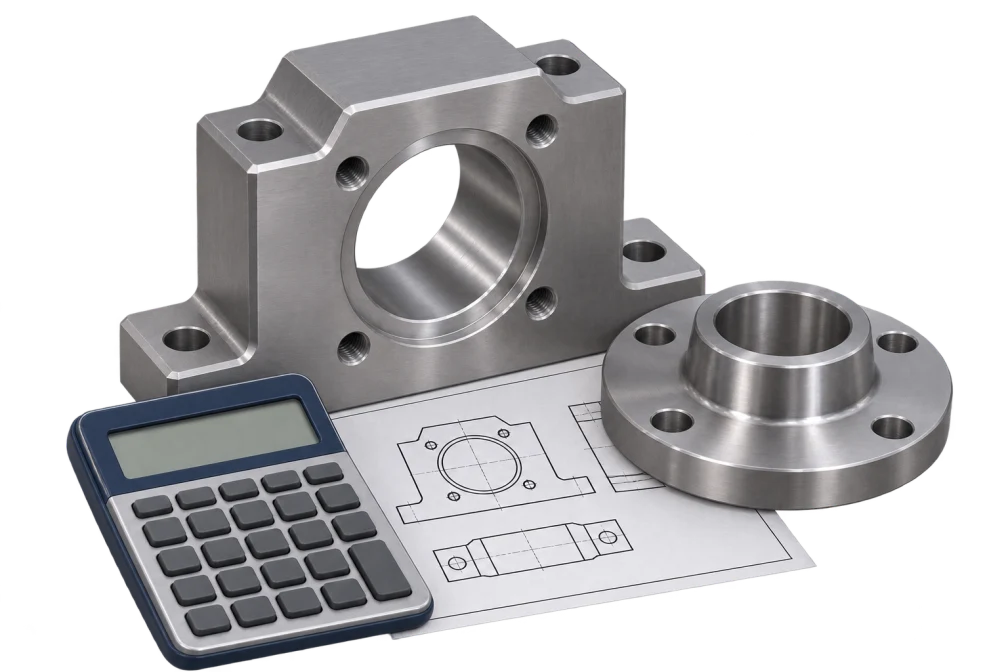
In CNC Kalkulator Pro, keep drawings, line items and open questions together for each CNC enquiry. For a bearing bush and a spacer ring, for example, check the quantity and drawing revision for each item.
Technical and commercial approval apply to the same revision. Once released, the CNC quote remains available as a separate version.
See quote management in the app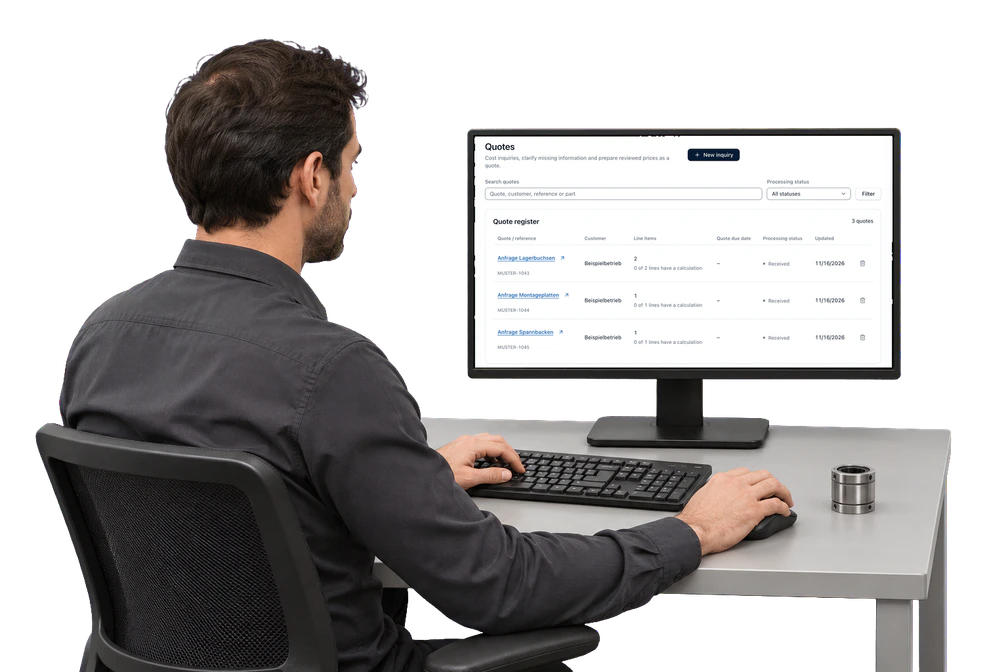
 Privacy and rules for your data
Set roles, retention and data flows in your own workspace. The web app stores drawings privately and excludes them from AI model training.
Security and privacy →For work at the machine, the CNC Kalkulator app includes 148 free calculators without sign-in. They cover spindle and cutting speed, feed, milling, turning and drilling data, material removal rate, cutting force, threads, fits, tolerances, surface finish and materials. Each shows the formula, units and limits, even on a phone in the workshop.
 Spindle speed and cutting speedn = vc × 1000 ÷ (π × d)Calculate in the app
 Feed and feed ratevf = n × z × fzCalculate in the app
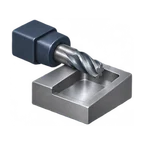 Milling cutting dataSpeed, feed, removal rate and powerCalculate in the app
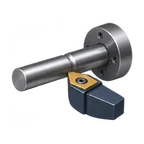 Turning cutting dataSpeed at the diameter, feed and cutting timeCalculate in the app
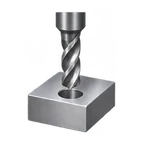 Drilling cutting dataSpeed, feed and removal rateCalculate in the app
 Cutting data finderStarting values for vc and fz by materialCalculate in the app
 Material removal rateQ = ae × ap × vf ÷ 1000Calculate in the app
 Kienzle cutting forceCutting force and power requiredCalculate in the app
 Tap drill and threadsTap drill diameter ≈ d − PCalculate in the app
 Fits to ISO 286Limit deviations, clearance and interferenceCalculate in the app
 Tolerances and limit dimensionsUpper limit, lower limit and midpointCalculate in the app
 Surface roughness Ra and RzInterpret and convert roughness valuesCalculate in the app
All app categories: Costing (30), Machining (37), Blechbearbeitung (3), Drilling and threading (15), Materials and stock (16), Tolerances (15), Geometry (16), Drawings and files (5), Conversions (11).
Choose a STEP file to measure the outer dimensions of the CAD model without signing in. Depending on the geometry, the inspector also shows the finished-part volume and lists detected holes and pockets.
The sample block measures 40 × 20 × 10 mm and has a volume of 8 cm³.
Inspect a STEP file in the app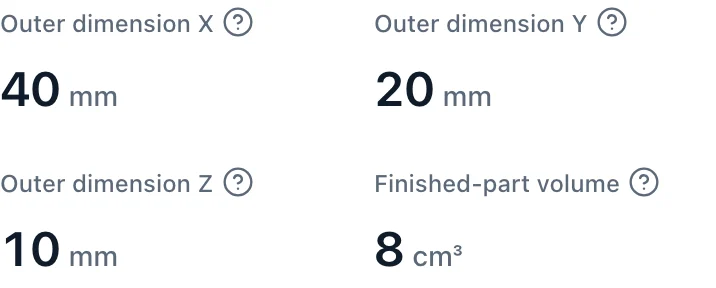
A quote for bearing bushes and spacer rings shows how unit costs, surcharges and batch size affect the price.
AI-generatedThe example quote covers 25 bearing bushes and 50 spacer rings for €4,911.50 before VAT. Surcharges and discounts can be calculated for each position and for the whole quote.
Multi-part quotes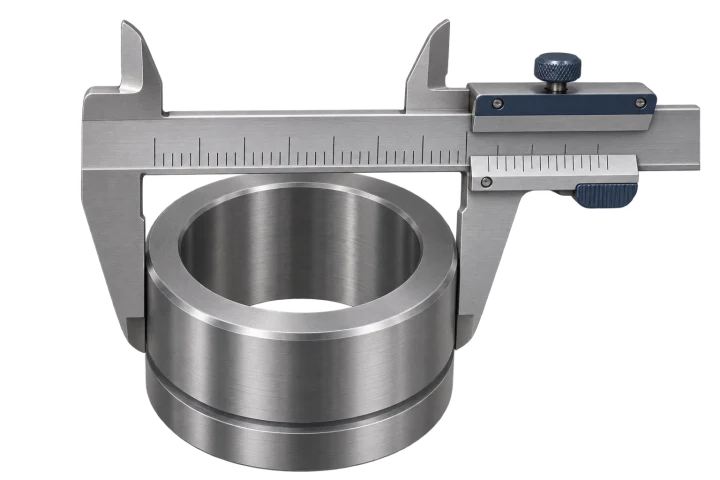 AI-generated
Each bearing bush takes 23.8 minutes in the example. Material, machine time, tools and inspection contribute to a unit cost of €63.35 and a selling price of €69.68.
How unit cost is calculated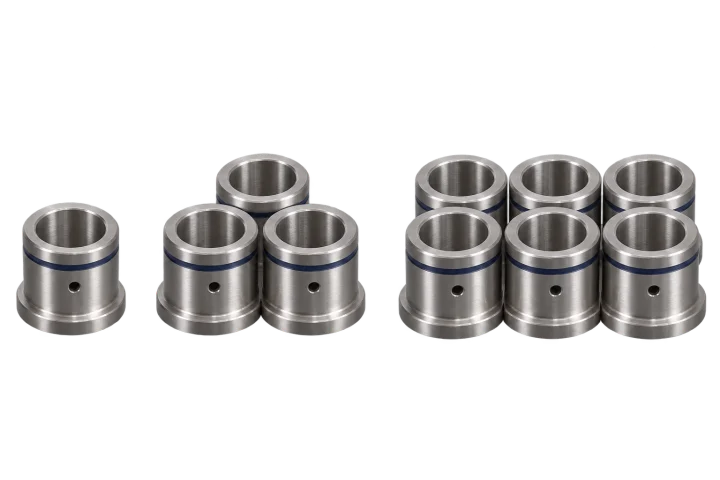 AI-generated
Setup and programming costs apply once per batch. Quantity pricing spreads them across the units and shows the price per part and total value for each order quantity.
How batch pricing worksAnswers about the free calculators, quote costing, CAD analysis and review. Find more in the frequently asked questions.
A CNC calculator works out values for machining and for quoting: spindle speed, feed and cutting data at the machine, and machining time, unit cost and quote price of a CNC part. CNC Kalkulator combines both in one web app with 148 free calculators that need no sign-in and quote costing based on the shop's own hourly rates.
Yes. All 148 calculators, the quote bot and the materials database are free and work without sign-in. A free account is only needed to save calculations. Pro, with the AI quote from technical drawings, quote management, Pro tools and MCP access for AI assistants, is enabled on request; the price is given on request.
Yes, as a web app. It runs in the browser on computers, tablets and phones without installation and has its own navigation on small screens. The interface is available in English, German, Spanish and French.
From one-off costs and costs per part. Programming, setup, fixtures and first-article inspection occur once per order and are spread over the lot size. Per part come material, machining time multiplied by machine and labour rates, tool costs and outside processing such as hardening: unit cost = material + time × hourly rate + outside processing + one-off costs ÷ lot size.
Yes. With CNC Kalkulator Pro you upload a drawing and can add a CAD model. The app drafts a complete estimate with material, stock, work plan, times, costs and batch prices. Each value shows its source. You can answer the outstanding questions and approve the draft to turn it into a quote. Pro is enabled and priced on request.
CNC Kalkulator analyses supported CAD files and technical drawings and prepares a CNC time and cost estimate using the data approved by your shop.
No. Corrections, reference times and rules are versioned, reviewed and explicitly approved. Model training is a separate process with its own evaluation.
No. It supports cost estimation and quote preparation. Toolpath simulation, collision checks and production approval are still needed.
Calculated times are compared with measured reference times for a defined range of parts and processes. Differences are shown by part class and type of time.
We can discuss your parts and what you need to calculate in a short first call. You can book before sending any files: Book a free consultation or Send an enquiry.

We will be happy to help you with any questions regarding the app, pro or your calculation.
Questions? Call us!
Book free first talk now (opens in a new tab)Call now: +49 6201 2720925Mon.–Fri. 9–6 p.m.