From upload to approval
Automatic costing is part of AI quote costing in Pro. Access and pricing are available on request.
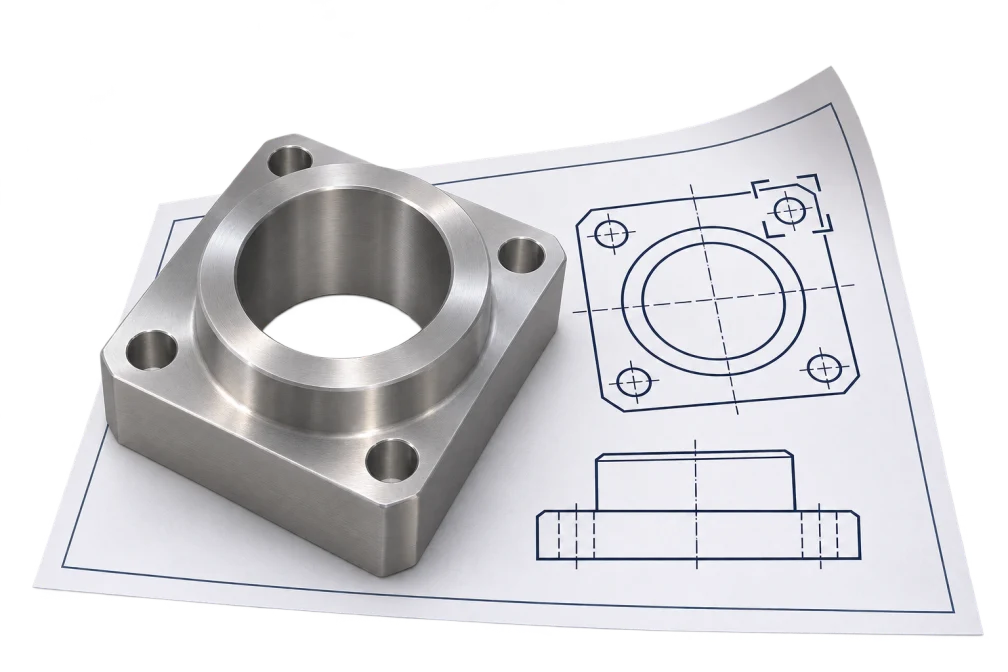
Add the technical drawing as a PDF or image and include the STEP model if you have it. Enter the quantity and, where needed, the scope of the job. The AI checks the whole sheet before reading the title block, views, sections and details in close-up. It cross-checks each reading against the text embedded in the PDF and the measured STEP geometry, where available.
The app uses your approved machines, materials and rates to plan the stock, setups and operations, then calculates times, costs and batch prices. The assistant asks for missing information. You can answer, select “Not specified” or use automatic mode to fill gaps with clearly marked assumptions.
Review the draft estimate and adjust the setup, tooling or cutting data where needed. The figures update immediately. Approve the draft to adopt the estimate. The approved estimate includes the work plan and cost breakdown and is available as a web page, PDF or Word document.
What the draft estimate contains
The draft includes the full estimate and its supporting details.
Part and work plan
- Material and stock, with a machining allowance for each side
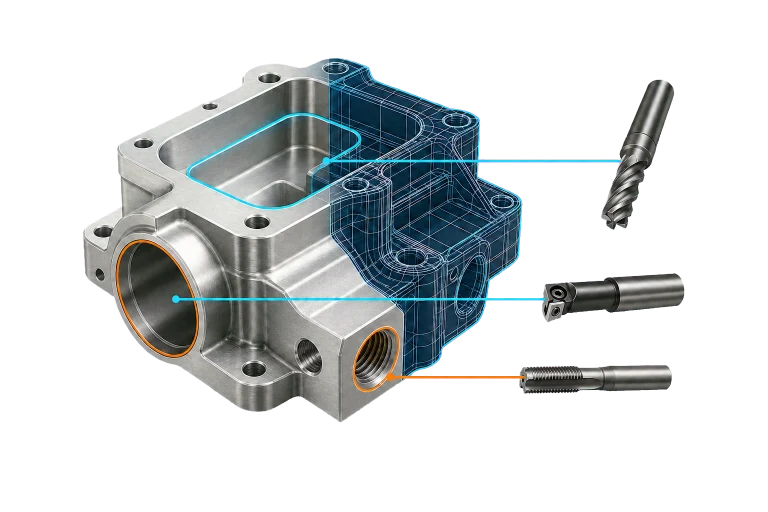
- Characteristics of drawing and CAD, such as dimensions, fit, thread, surface and treatment, each with a spot
- Work plan with uplifts and operations
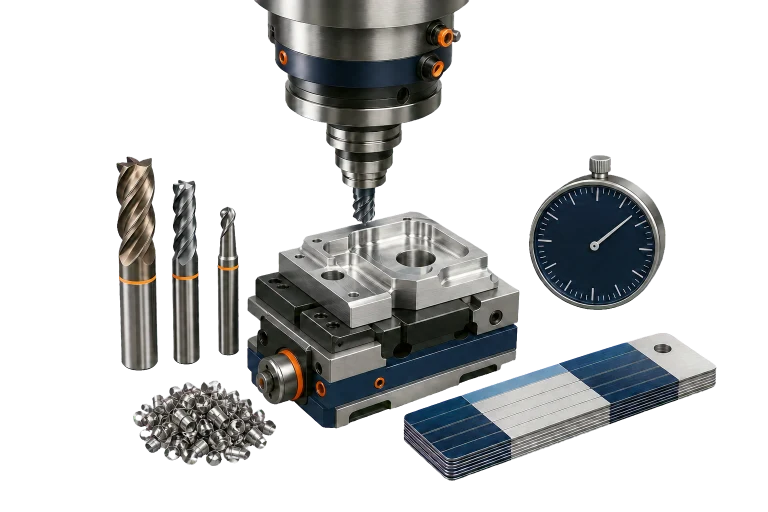
Times, costs and quantities
- Cutting, non-cutting, setup and programming times
- Material, machine, subcontracting and inspection costs
- batch prices for several lot sizes
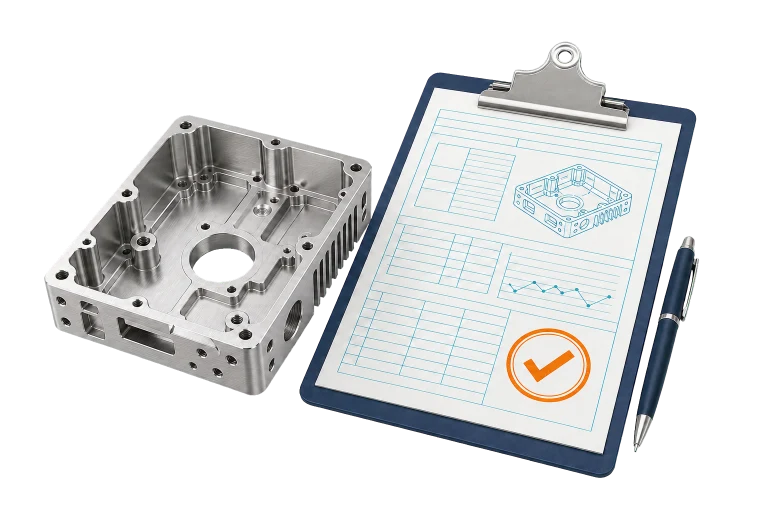
Open questions
- Open questions and the reasons for assumptions
Sources and approval for every value
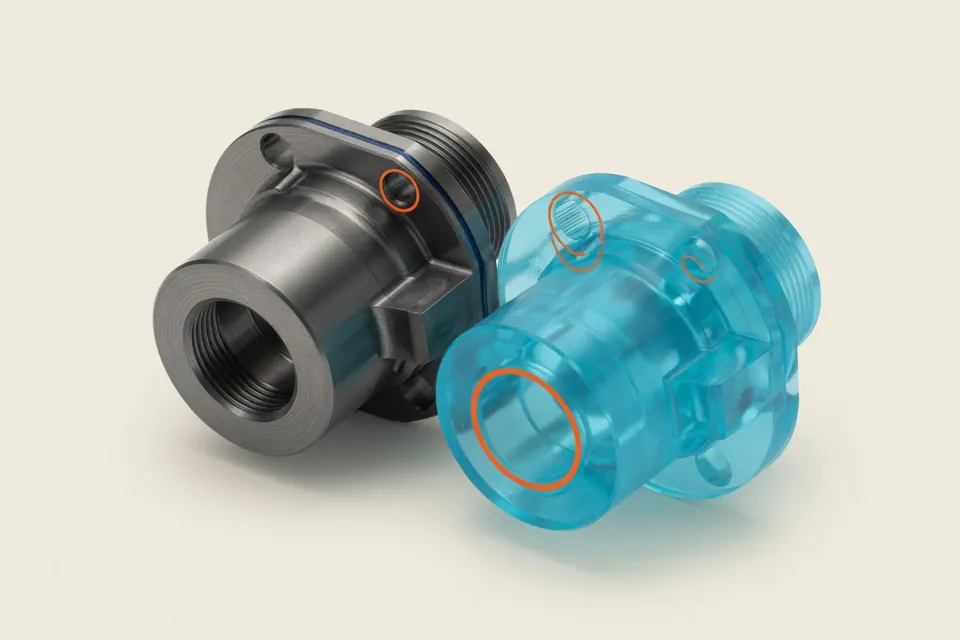
Every value that affects the price shows its source: a value you confirmed, shop data, a reading from the drawing or CAD model, a calculation or an assumption. Select a value read from the drawing to see where it came from. Assumptions remain labelled.
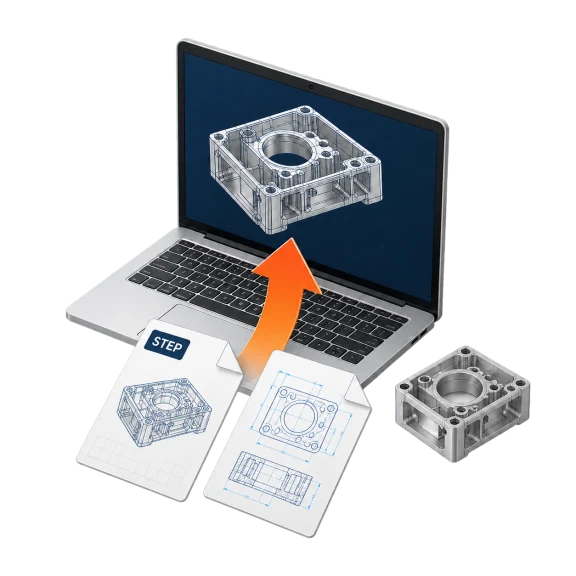
When two readings conflict, both stay visible for review. If the files give no basis for a value, the app keeps the question open and asks you for it.
The AI reads the files and proposes values. The costing formulas use your rates to calculate times, costs and batch prices.
Job scope for full manufacture, machining or rework
The price depends on whether you manufacture the part from your own stock, machine stock supplied by the customer or only perform specific operations on a supplied part, such as grinding. For supplied parts, rework or assembly, the estimate covers the requested operations plus incoming and final inspection.
The app reads the scope from your instructions, the drawing or the enquiry. If the scope is unspecified, it uses the default in your settings. Without a setting, it assumes full manufacture from your own stock. The “Job scope” card shows the current assumption and lets you change it.
How to compare CNC costing software
The table covers automation, traceability, supported files, interfaces and shop data. The sections below and the FAQ explain limits, pricing and privacy.
CNC Kalkulator capabilities
| Criterion | What CNC Kalkulator provides |
|---|---|
| Level of automation | From a drawing (PDF, PNG or JPEG) and an optional STEP model, Pro automatically drafts an estimate with material, stock, a work plan, times, costs and batch prices. The app asks about missing information or, if you choose, fills gaps with labelled assumptions. You review and approve the draft. |
| Traceability | Each value that affects the price shows its source. Conflicting readings stay visible. The prices come from the costing rules and your rates. |
| Inputs and outputs | Upload drawings as PDF, PNG or JPEG. STEP models are measured directly, and free file tools handle STL, DXF, G-code and CSV. Export native CAD to STEP. The approved estimate is available as a web page, PDF or Word document. The customer export shows selling prices and omits internal rates. |
| Interfaces | The public API is free. Pro includes MCP access for AI assistants through an authenticated connection. We agree on data flows to ERP, shop-floor data collection or MES for each business. |
| Fit with your machine fleet | The estimate uses your approved machines, materials, processes, subcontracted operations and hourly rates. The built-in material database supplies density and material properties. Your prices override the defaults. If shop data is missing, the draft uses labelled planning values. |
Limits of automatic calculation
Recognition depends on the quality and completeness of the drawing. We publish no single accuracy figure. Blurred scans, overlapping dimensions and missing information lead to questions and assumptions for you to review.
CAM simulation, collision checks, NC programming and production approval stay in their existing systems. Treat features recognised in the STEP model as suggestions to check. Export native CAD files as STEP.
Free manual costing
The quote assistant and 148 calculators are free to use without signing in. Enter the part and its features to calculate material, cycle times, setup, surcharges and quantity breaks. STEP measurements are also free.
- AI offer in the app Per
- Supply bot Free
Questions and answers
Is there a software that calculates CNC parts fully automatically from drawing and CAD?
Yes. In CNC Kalkulator Pro, add the technical drawing and, if available, the STEP model. The app drafts the estimate with material, stock, work plan, times, costs and batch prices. Each value shows its source, and you approve the draft to turn it into a quote.
Is CNC Kalkulator AI-based or does it calculate without AI?
AI reads drawings and documents and suggests features, materials and operations. The app uses its costing rules and your machines and rates to calculate the work plan, times and prices. It drafts the estimate automatically while keeping each value traceable to its source.
How exactly is the automatic calculation from the drawing?
Accuracy varies with drawing quality, the parts you make and the shop data you maintain. The app shows each value’s source and flags conflicts and open questions. You can measure the difference for your own business in a pilot with known parts.
Do I have to enter anything else in the automatic calculation?
Enter the quantity and any shop rates you have yet to save. The app reads the values supported by the drawing and CAD model. It asks for specific missing information. In automatic mode, it fills gaps with labelled assumptions for you to review before approval.
Which files can I upload for the automatic calculation?
Upload technical drawings as PDF, PNG or JPEG. The app measures a STEP model for overall dimensions, volume, turned features, holes and pockets. Export native CAD to STEP. The free file tools handle STL, DXF, G-code and CSV.
Does the software calculate with my own machines and hourly rates?
Yes. The draft uses your approved machines, materials, processes, subcontracted operations and hourly rates. For any missing value, the app asks or identifies the planning value it has used.
How much does CNC Kalkulator cost?
Free is permanently €0 and includes 148 free CNC calculators, the quote assistant, the materials database, file tools and the API. Pro is enabled on request, with pricing provided on request. Pro includes automatic costing from drawing and CAD, quote management, Pro tools and MCP access for AI assistants.
Are my drawings used for AI training?
No. Your drawings are stored privately in your account and are excluded from AI model training. When you start an analysis, the app sends crops and embedded text to Mistral AI in France. Personal fields in the title block are recorded only as “filled”. The free calculators work without AI.
Can I calculate a rotating part that is only sanded?
Yes. The app distinguishes full manufacture from your own or supplied stock and machining of a supplied part. Give the scope, such as “grinding only”, in the enquiry or when you start. The app estimates the requested operations plus incoming and final inspection and asks if there are no times for the operation.
Does the automatic calculation replace a CAM system?
No. It prepares the estimate and quote. CAM programming, toolpath simulation, collision checks and production approval remain in the systems used for those tasks.