

From CAD component to comprehensible calculation
A common basis for calculation and manufacturing knowledge
The product areas are interlocking: CAD and drawing provide the technical context, operational data determines time and costs, and tested historical cases help with similar tasks. Each step remains versioned, explainable and subject to technical approval.
Automation with a professional context
The solution does not create a separate number. It shows which data, assumptions and rules have led to a result and where a person has to decide.
Connecting technical sources
CAD model in existing format, drawing, material specifications and production requirements are considered together and documented with visible origin.
Figure of operational reality
Machines, tools, cutting values, cost rates and lot sizes form the concrete basis for time and price.
Use Experience Controlled
Historical offers, reference parts and real actual times only flow into future decisions after assignment, examination and approval.
Product modules in detail
Each subpage answers a specific technical question and describes the benefits, procedures, limits and prerequisites of the respective function.
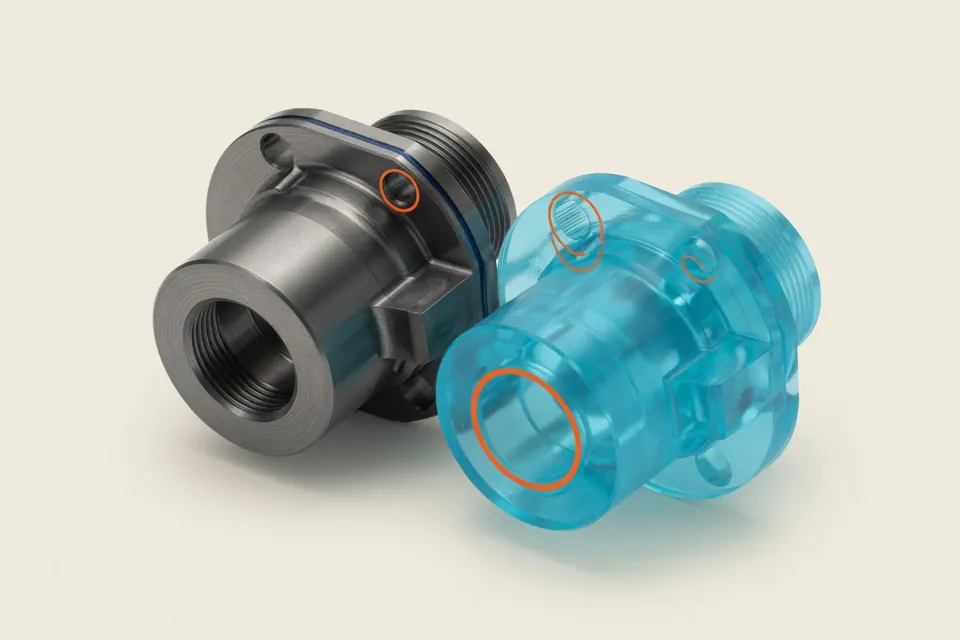 AI-generatedPro · on request
Fully automatic calculation from drawing and CAD
Lay down drawing and CAD model and receive a calculation draft in which each value shows its origin. They check open points and release.
View Function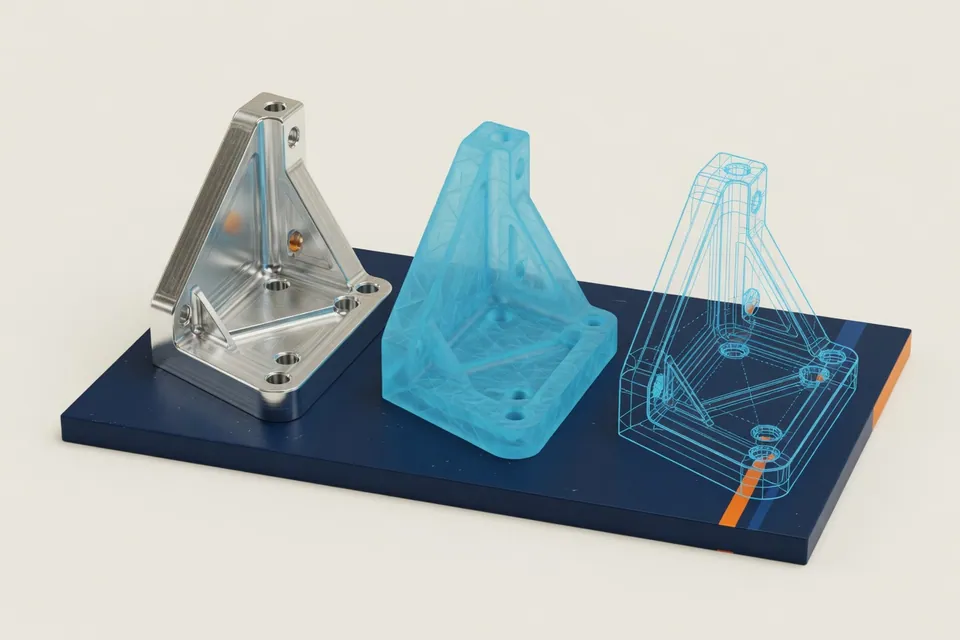 AI-generatedFile formats
Supported file formats: STEP, STL, DXF, G-Code and PDF
Evaluate STEP, STL, DXF, G-Code and CSV free of charge; check PDF and image drawings in the separate pro run.
View Function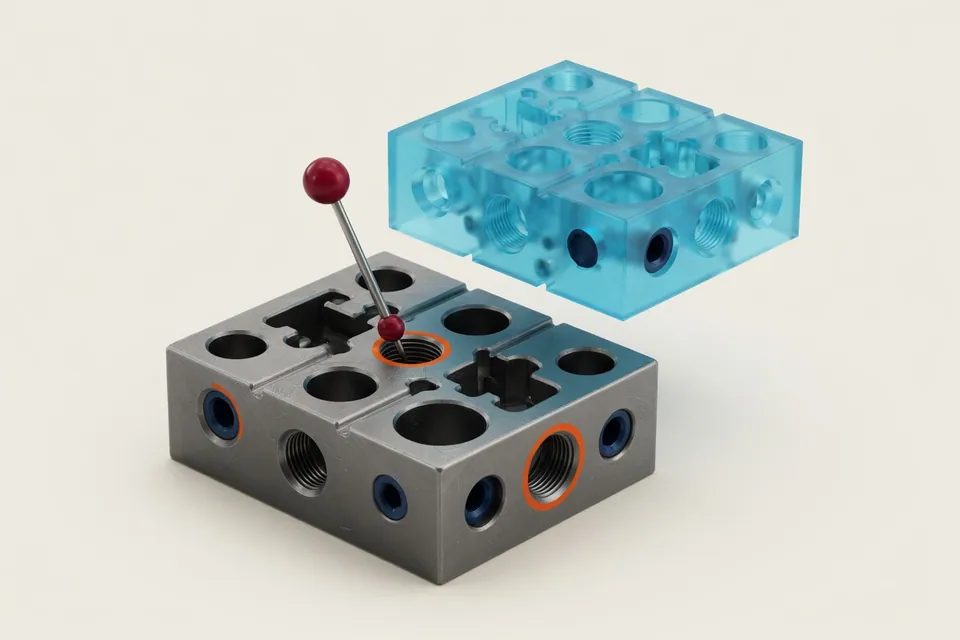 AI-generatedCAD & drawing analysis
Evaluate CAD file and technical drawing together
Geometry, material, tolerances and manufacturing requirements in a testable analysis process.
View Function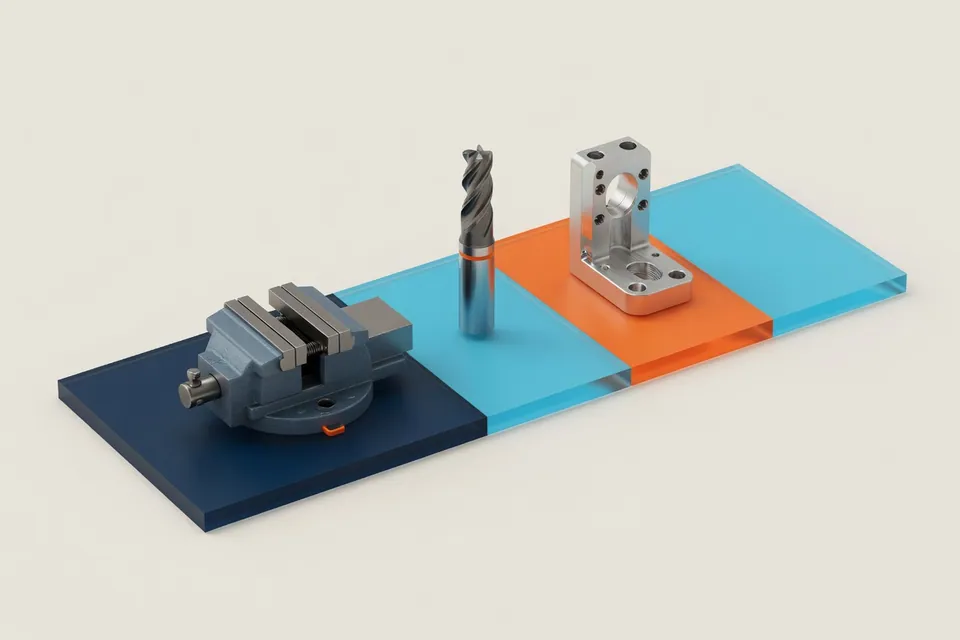 AI-generatedProcessing time
Calculate CNC machining time in a comprehensible way
Determine the main time, incidental time and set-up portion separately and assign them to the operations.
View Function AI-generatedCost & scaled prices
From processing time to unit costs and scaled prices
Connect material, equipment, machine time, overhead costs and margin transparently at an offer price.
View Function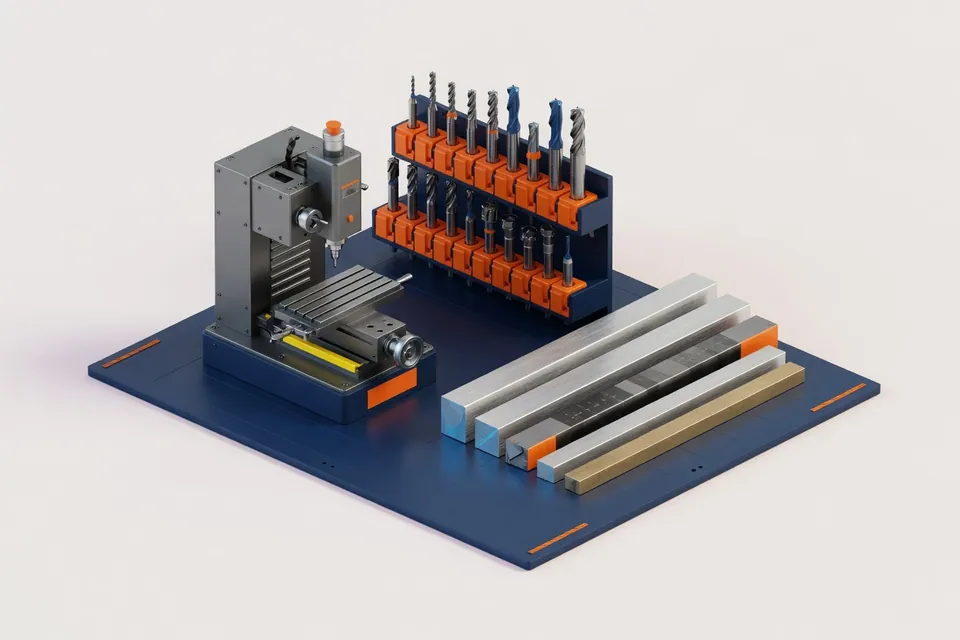 AI-generatedOperational master data
Manage material data and machine master data for CNC calculation
Maintain machines, materials, tools and cost sets as a versioned operating basis.
View Function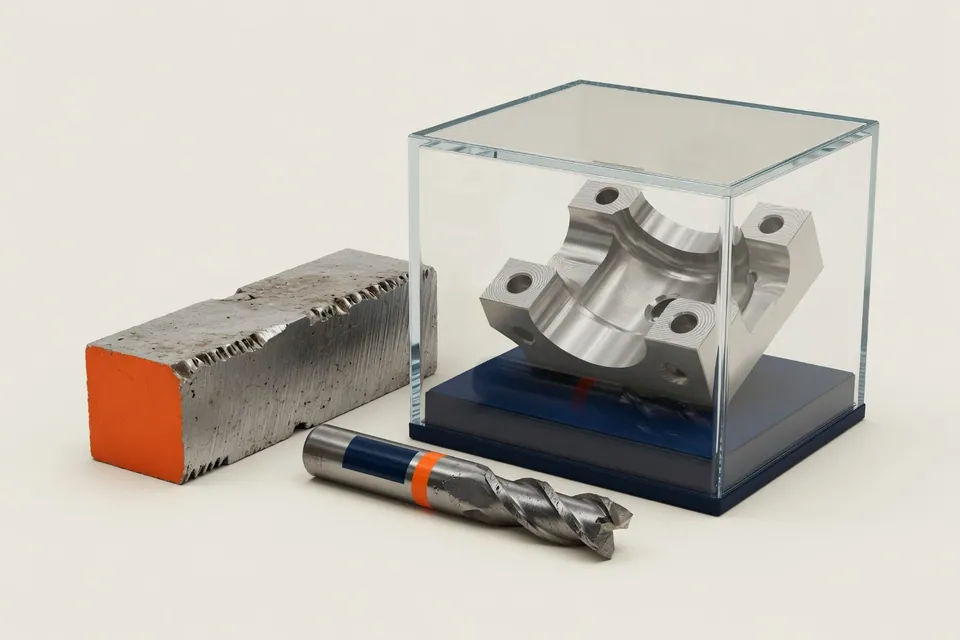 AI-generatedReports & History
Document, compare and reuse calculations
Secure input data, assumptions, versions, times and costs in a verifiable course.
View Function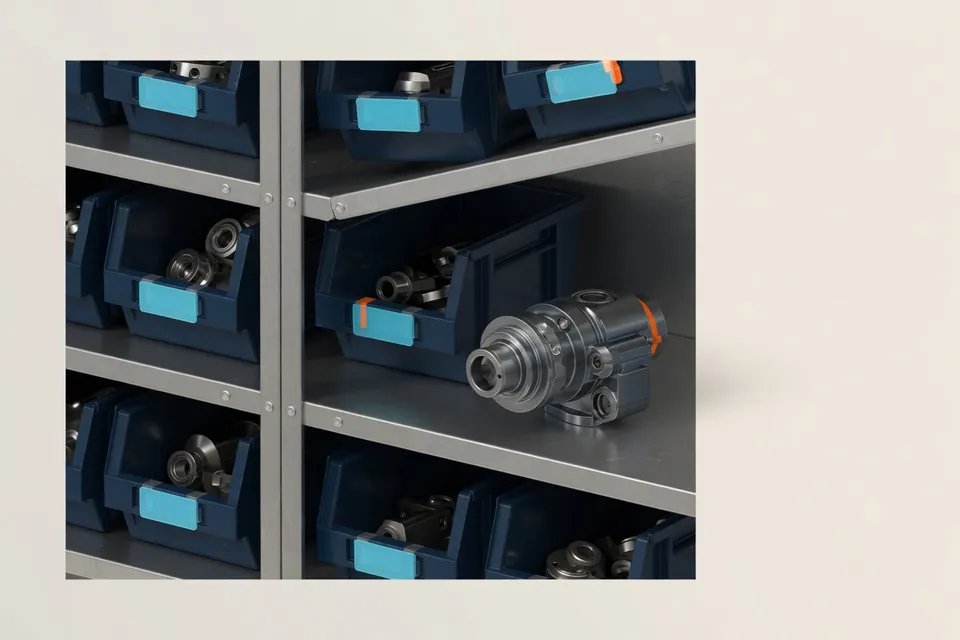 AI-generatedOwn knowledge base
Use historical calculations as a business knowledge base
Connect offers, drawings, CAD models and real times to tested reference cases.
View Function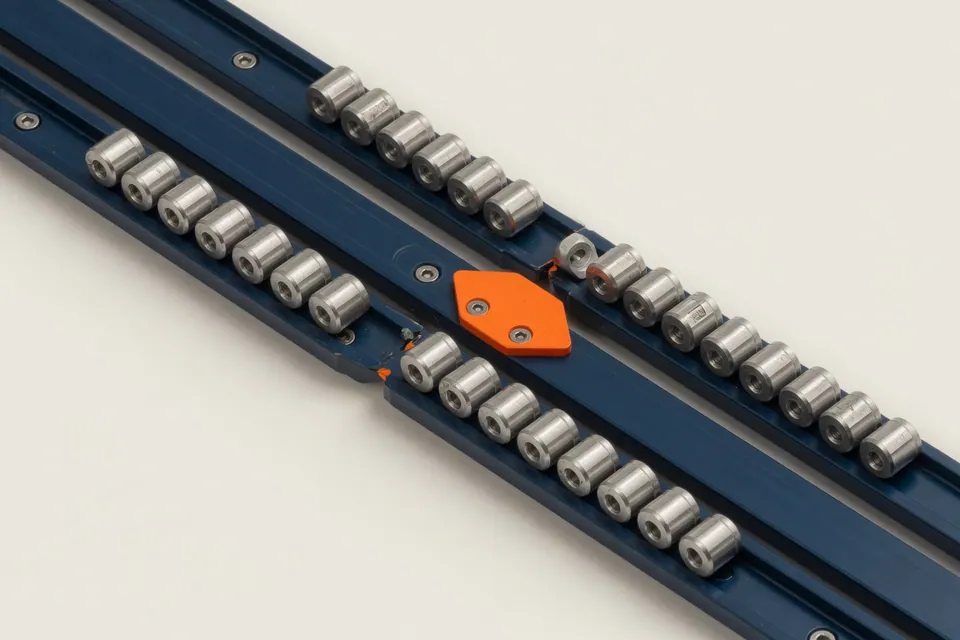 AI-generatedData import
Merge historical offers, models and production times
Import, assign and check supported file and system exports in a controlled manner.
View Function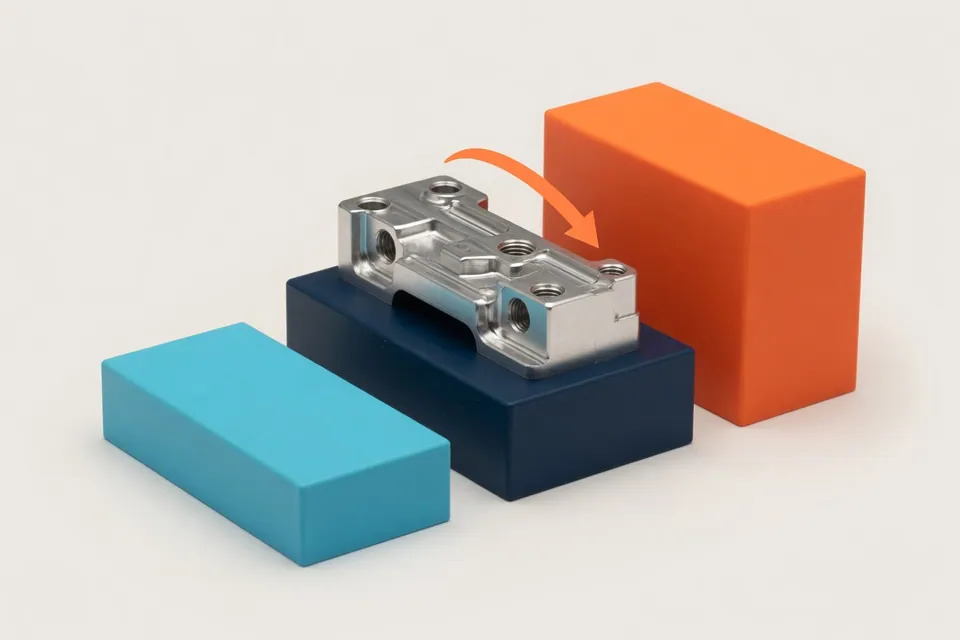 AI-generatedFeedback & Purpose/Is
Reducing real production times controlled
Understand target/actual deviations and improve released calculation parameters.
View Function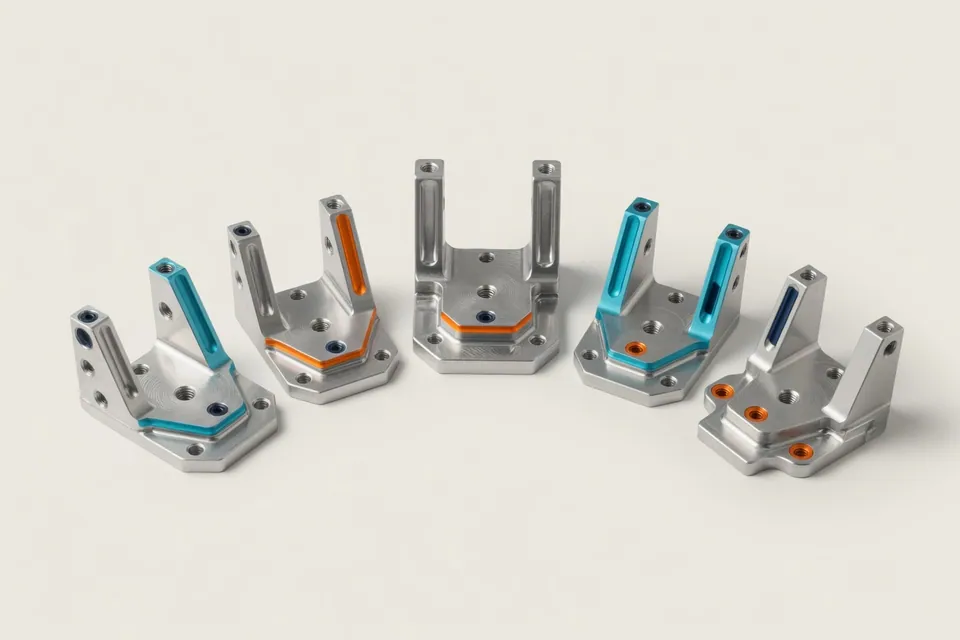 AI-generatedSimilar components
Reference parts and previous calculations in the CNC Kalkulator
Combine geometry, drawing and process features to discover suitable reference cases.
View Function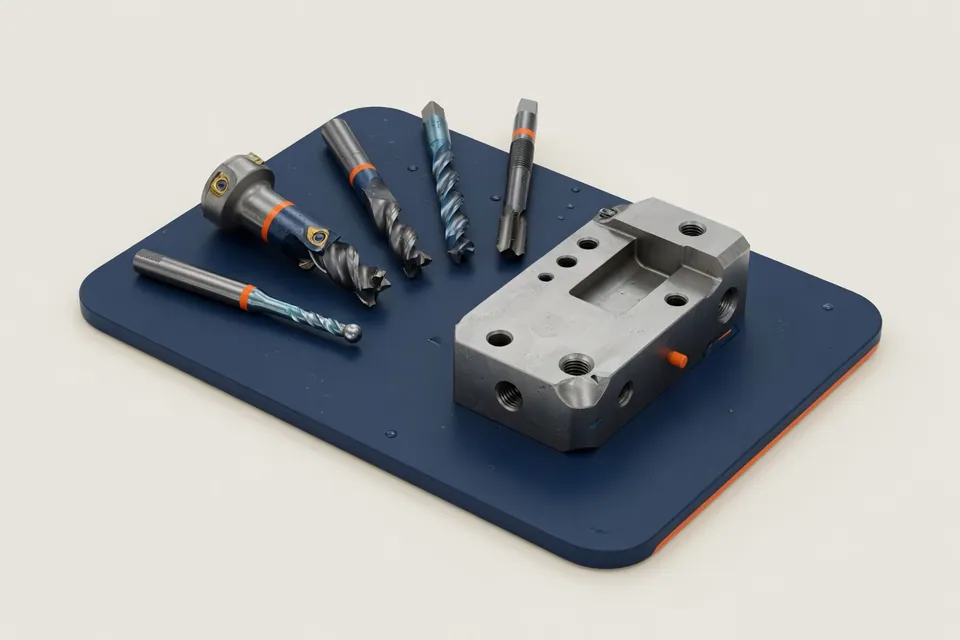 AI-generatedProduction strategy
Suggest operations, tools and cutting values
Prepare a testable processing sequence of shared machine, tool and material data.
View Function AI-generatedQuestions about calculation
Clear queries directly on the component
Explain sources, assumptions and time increments of a calculation in simple language.
View Function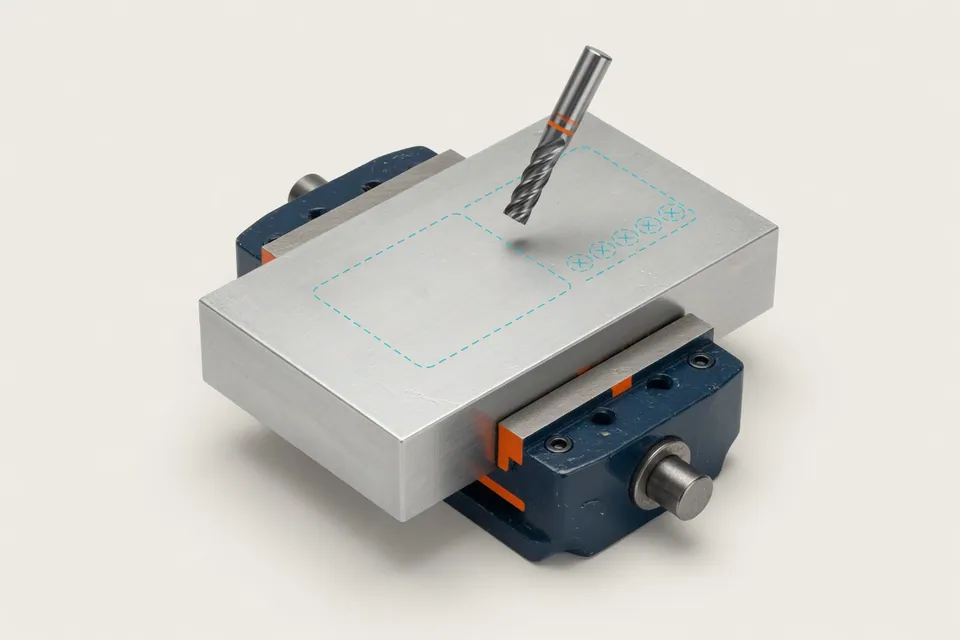 AI-generatedCNC Program Design
Prepare editable CNC program scaffold
Optional unreleased draft for a narrowly defined 3-axis reference range.
View FunctionSolutions by role and manufacturing task
See how the product modules for contract manufacturing, work preparation, sales, milling, turning and knowledge transfer play together.
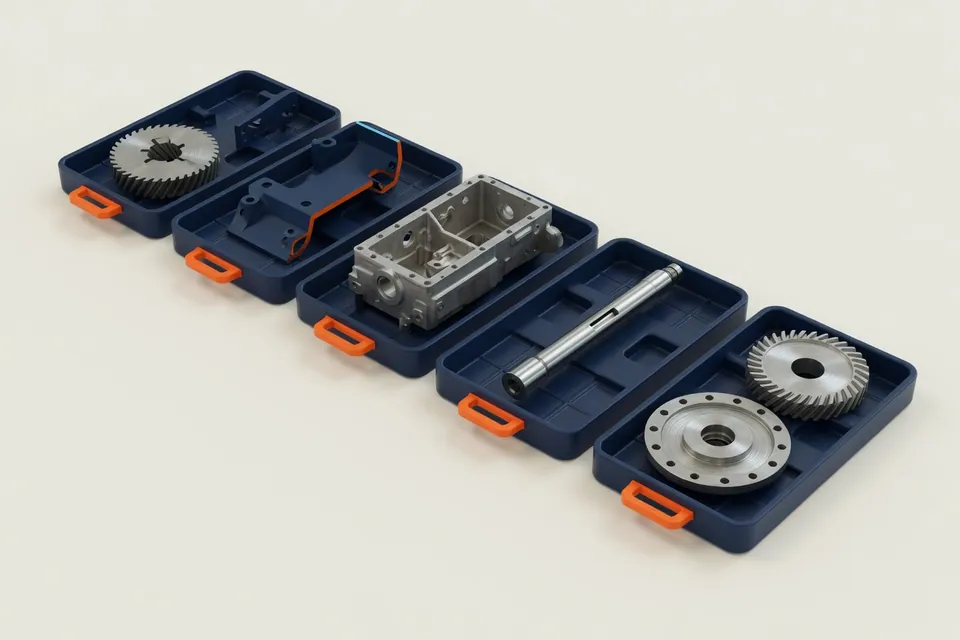 AI-generatedCNC pay-as-you-go
CNC paymaker: check, calculate, release requests
More technical requests with a repeatable, verifiable process.
Solution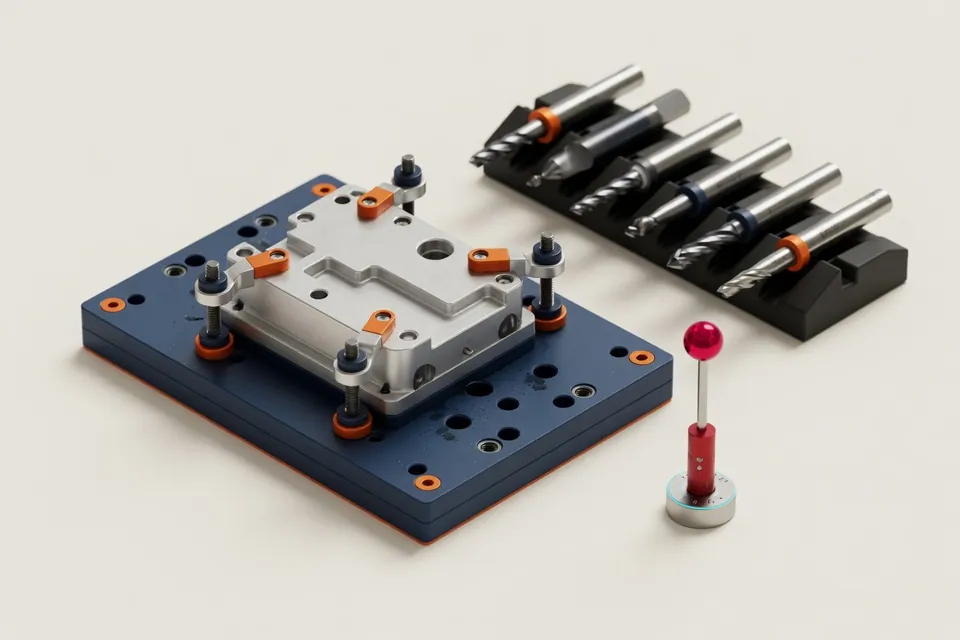 AI-generatedWork preparation
Check geometry, drawing and manufacturing assumptions at one location
Prepare operations, tools, quality requirements and queries in a structured manner.
Solution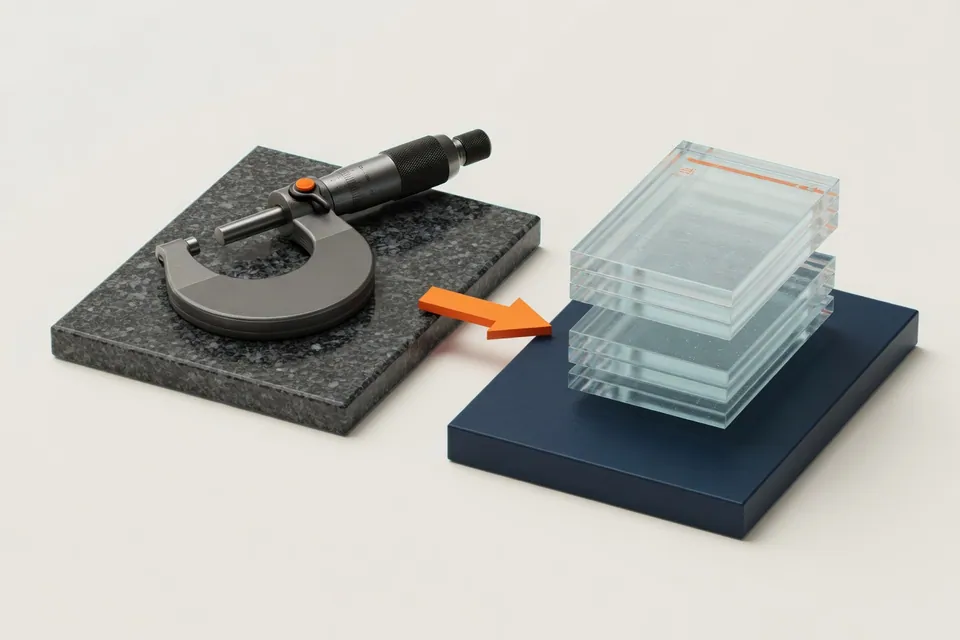 AI-generatedCalculation & Distribution
Faster from the technical inquiry to the offer basis
Connect technical testing, unit costs, batch prices and release without media break.
Solution AI-generatedMilling
Calculate milling times from geometry, drawing and machine data
Transparently model planning, roughing, finishing, drilling and non-cutting times.
Solution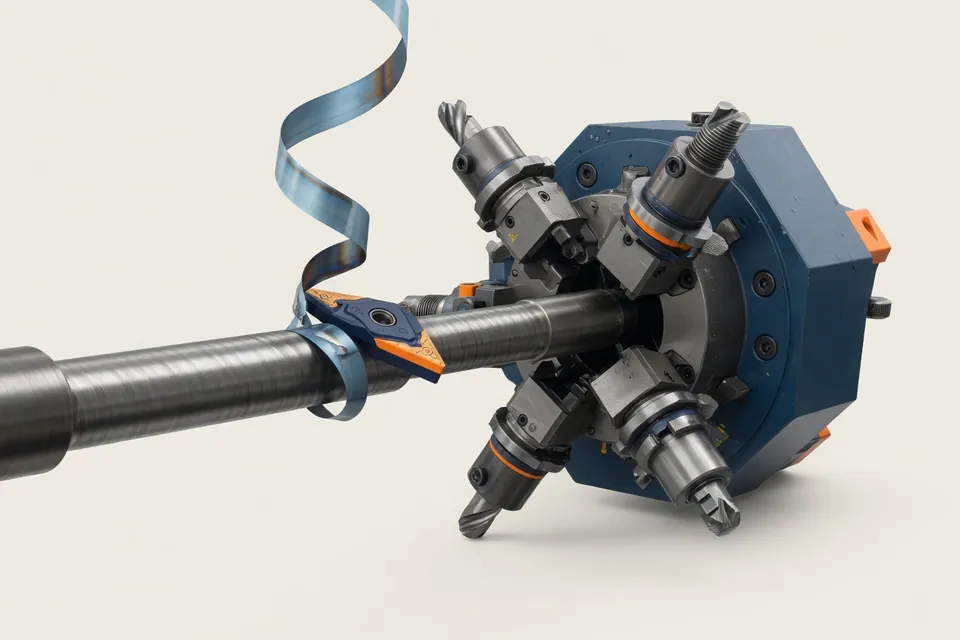 AI-generatedRotate
Turning: operations, setup and non-cutting times in the calculation process
Evaluate stock, paths, cutting values, tool changes and set-up parts together.
Solution AI-generatedHistorical offers
Making available offers for new requests
Assign old data to component, revision, quantity, machine and real result.
SolutionCAD and drawing analysis in the CNC Kalkulator app
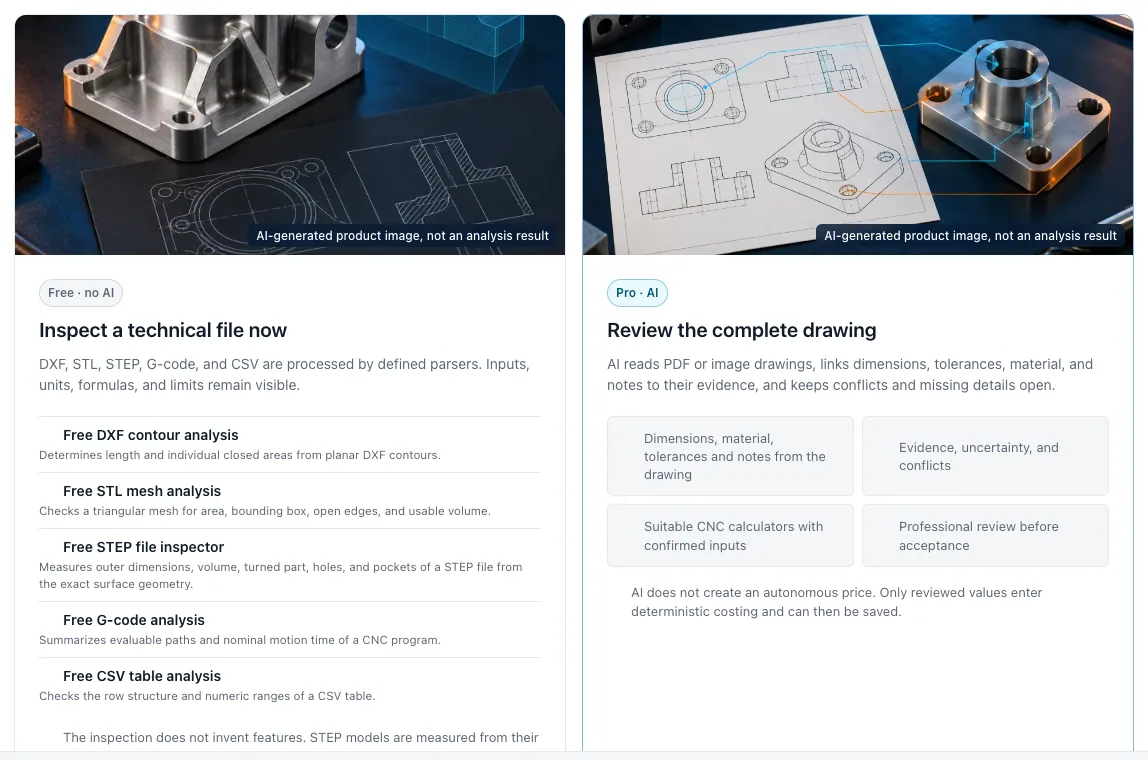
Analyse DXF, STL, STEP, G-code and CSV for free. AI drawing analysis is available in Pro on request.
Free tools in your browser without sign-in
In the free first interview, we classify part mix, data situation and today's bottlenecks. Then you decide whether a deepening demo makes sense: Book free first interview.
