What is in a STEP file
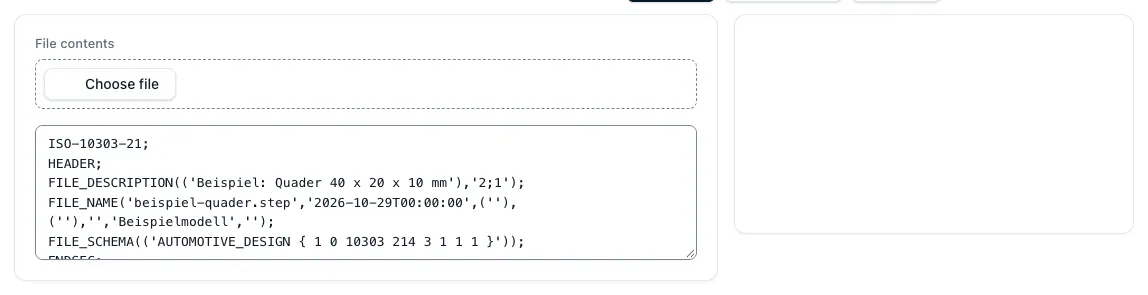
A STEP file starts with the line ISO-10303-21 and ends with END-ISO-10303-21. The header contains file description, file name, generating system and application protocol, such as AP203, AP214 or AP242. In the data part, the model follows as numbered entries, for example #12=CARTESIAN_POINT(...). Points, edges, surfaces and solids point to each other and together form the boundary area description of the component according to ISO 10303-42.
With a text editor, this can be opened, but hardly read meaningfully, because even simple components result in long lists of entries. Few questions count for the calculation: In which unit is the model created, how many bodies does it contain, how large is the part, how much material is there and what processing features occur?
What the test measures in the app
The tool "Check STEP file" takes a file with the extension .step, .stp, .p21 or .txt or the inserted text. It evaluates solids and surface models in the declared length unit and calculates all dimensions in millimeters. The result:
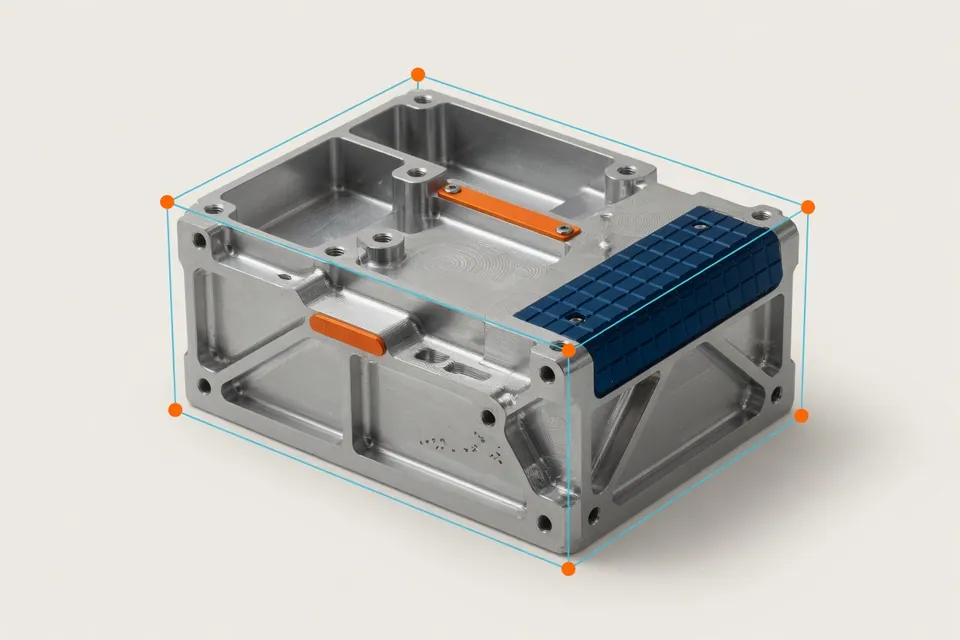
- External dimensions X, Y and Z: achparallel in the coordinate system of the file, without stock, clamping or saw addition
- Prefabricated volume and surface of a closed solid
- Rotation length and maximum rotation diameter if a common rotation axis is detected
- Drilling including reductions, additional cross-holes for rotary parts
- Thread candidates: holes whose diameter matches a core hole or thread
- Bags with flat bottom and the smallest inner radius of rounded inner corners
- Access directions, area types and element types of the file
Example with the example quadrant of the app
The app starts with a block of 40 × 20 × 10 mm. The test reports the outer dimensions 40, 20 and 10 mm, a prefabricated part volume of 8 cm³, a surface of 2,800 mm², a solid and six directions of access, no holes and no pockets. The values can be calculated manually.
V = 40 × 20 × 10 mm³ = 8,000 mm³ = 8 cm³ A = 2 × (40 × 20 + 40 × 10 + 20 × 10) mm² = 2,800 mm2
For what calculation, sales and purchasing use the examination
Before the calculation, the check without a CAD license and no viewer will clarify whether the file is evaluable, whether it contains one or more bodies and whether the order of magnitude fits the drawing. Several bodies can mean one assembly or several parts in a file; then the tool does not take over volume because the parts assignment is open. If the dimensions differ by a factor of 25,4 from the drawing, the model is probably designed in inches.
In the next step, the outer dimensions will be the stock: The tool machining dimensions calculate the stock dimensions with dimensions per side, stock weight and material costs will follow in the next computers. Volumes of finished part and stock show the material removal. Drilling, cross bores, pockets, small inner radii and additional access directions are indications of drilling times, driven tools, small milling cutters and further clamping.
Limits of free testing
Recognized holes, thread candidates, pockets and rotary diameters are suggestions from the geometry. A thread candidate does not show any thread; tolerances, fits, surfaces and thread specifications are only in the drawing and have priority. Therefore, compare each feature before taking over with drawing and change level.
If a declared length unit is missing, the tool only accepts millimeters and points out. In open geometry or several bodies, volume and surface remain open. Files above 8 MiB or an evaluation too long are rejected with a hint. The test does not replace CAM planning or collision check.
Questions and answers
Can I check a STEP file without a CAD program?
Yes. In the app, select the file or insert the content; after that, you will see external dimensions, volume, surface, recognized features and the file element types. An account is not necessary for this.
Does the app show volume or weight of a STEP file?
The volume is yes, in case of a closed solid. With the density from the material database, the mass results from this in the stock weight calculator. If the file contains several bodies or open surfaces, the volume remains open.
Does the app detect holes in the STEP file?
It proposes cylindrical holes, including reductions, for rotary parts also cross-holes, and marks holes whose diameter fits to a core hole as thread candidates. Whether a thread or a fit is required is stated in the drawing.
Why do the dimensions differ from the drawing?
The outer dimensions are measured achsparallel in the coordinate system of the file. If the part is inclined in the model room, the envelope dimension is greater than the drawing dimension. A factor of about 25.4 indicates a model in inches.
Will my STEP file be saved?
The file content is transferred to the server for calculation, but not saved as a file. Files over 8 MiB or an over-exploitation rejects the tool with a hint.