Connect calculation data controlled with ERP, BDE, MES and document storage
A ERP, BDE, or MES interface for CNC calculation should solve a specific task. Possible cases are the acquisition of article and material master data, the import of real production times, the handing over of released calculation results or the linking of documents with an order. Only when it is established which decision is to be supported, fields, direction of transmission and topicality can be defined meaningfully. A general "connection" without this context shifts media breaks only into a technical interface.
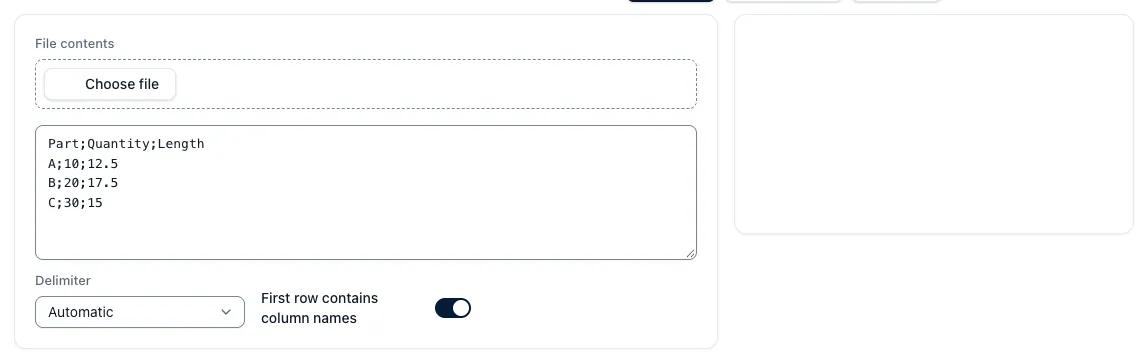
In the integration process, source and target fields are mapped together. Item number, revision, machine, operation, batch size, unit and time type need clear definitions. Mandatory fields, permitted values and format rules are checked before transmission. Errory or unallocated data records get a visible status and are not discarded silently. Depending on the process, the transfer takes place manually as a shared export, time-controlled or via documented API endpoints. Permissions and protocols show who has transferred or corrected data.
The result is a controlled flow of information: Calculators do not have to collect master data multiple times, released results can be passed on in the agreed format and real times can be assigned to a calculation level. PDF or table export, REST interface, webhook and direct system connector meet different requirements. For the chosen variant, scope, version, error handling and responsibility are documented in the integration concept.
Interfaces do not cure unclear master data. If systems use different time terms, article identifiers or revision logics, this difference has to be decided professionally. Custom APIs, network rules and manufacturer restrictions can also change the effort. Therefore, the planning begins with an interface conversation: Which data should flow why, which system is leading and how is an error processed in everyday life? Only then can a meaningfully defined integration scope be defined.
Key points
- First clarify the application case: Master data import, export of results and actual-time feedback are different integrations.
- Set data mapping specifically: Identifiers, revisions, units and time terms are assigned across systems.
- Set the scope of integration: Systems, data fields, transmission direction and operational responsibility are clearly agreed.