Digitization begins with field assignment and quality rules
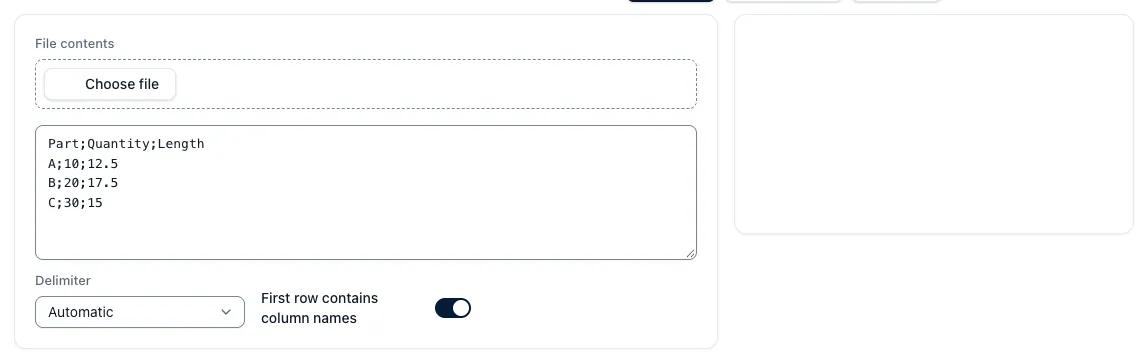
PDF, tables and ERP exports contain different structures. Before importing, it is defined how component number, revision, quantity, material, price and time fields are mapped to the target model.
Text recognition or automatic assignment provides suggestions. Duplicates, missing units and unreadable documents remain in a check queue until a controller confirms or excludes them.
Key points
Digitalization is explained in such a way that inputs, procedures, effects and limits in the CNC calculation remain comprehensible.
- Inventory sources: Pre-record formats, periods, rights and data quality.
- Assign fields: Clearly define the meaning and unit of each imported value.
- Ensure quality: Do not automatically release duplicates and unsafe detection.