What a drawing provides for the calculation
A request with PDF drawing contains almost everything that determines the price, but rarely in the form in which a calculation is needed. The title block calls material, revision and the applicable general tolerance. Views and cuts provide envelope dimensions, contours, holes and threads. Tolerances, fits and roughness information decide whether a measure is only sanded, grated or ground and how costly the test fails. Notes on heat treatment, coating or edge condition lead to foreign performance and additional work.
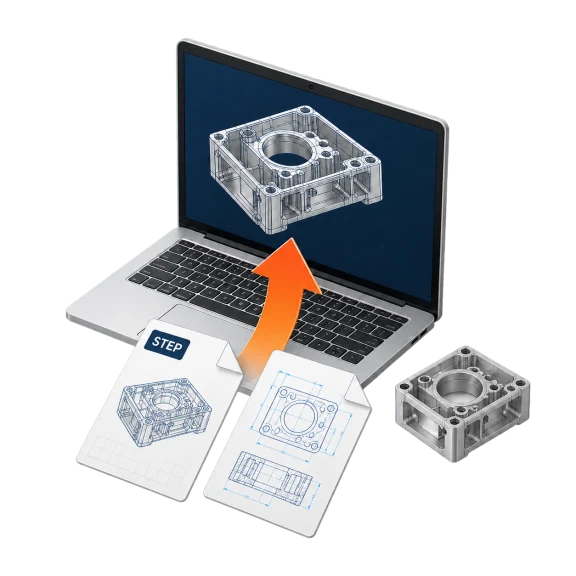
Calculated from the drawing means assigning each of these data to a calculation size:
- title block: material and condition, revision, general tolerance
- Dimensions and envelope contour: stock dimensions, dimensions, material costs
- Tolerances, fits and roughness: additional operations, tools and testing effort
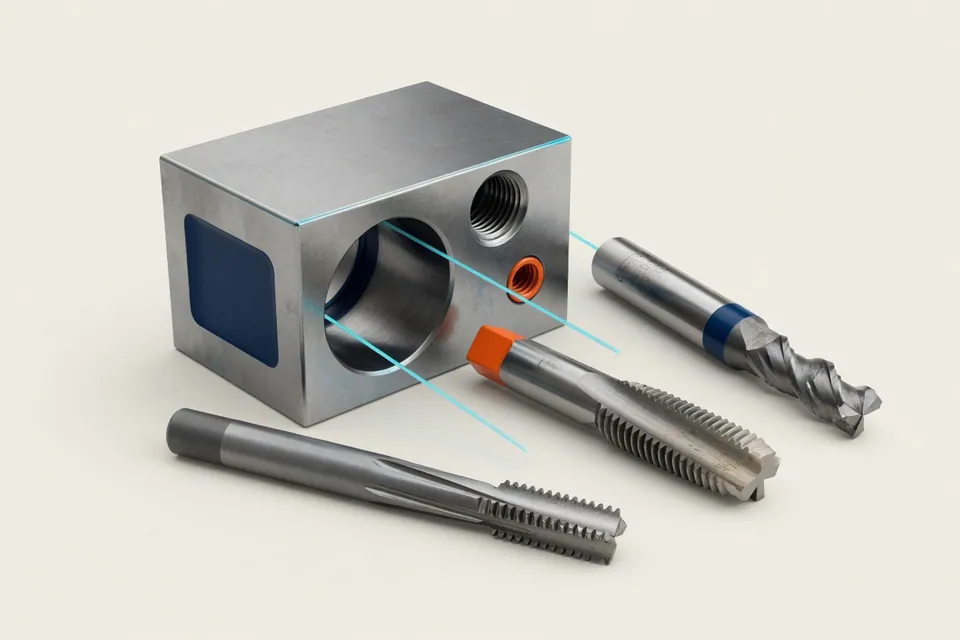
- Drilling and threading: drilling and threading times, tool changes
- Heat treatment and surface: foreign power, minimum amount, hard machining
Example: a fitting hole from drawing to cycle time per part
A hole with Ø 12 H7 shows how much calculation is contained in a single drawing specification. The calculator for ISO fits provides the limit dimensions of 12.000 and 12.018 mm. A tolerance field of 18 μm is not to be reached with a spiral drill; the bore is pre-drilled and rubbed or finely drilled. This is followed by an additional tool with measurement during setup, a further tool change and a separate main time per part. Predrill diameter, speed and feed supply the friction calculator of the app; with the friction depth the main time results.
In addition, the test is performed: An H7 bore is tested with a limit-thorn or measuring instrument, depending on the test plan on each part or in samples. Without this chain of limit-measurement, operation, tools and testing effort, the fit remains invisible in the price, although it is only a few characters on the drawing.
Reference and confirmation per indication
A calculation is only as good as the values that enter into it. Whoever reads a measure from a blurred copy or overlooks a fit, calculates a wrong price, even if each formula is correct. Therefore, keep to each assumed value, where it comes from: from which view or cut, from the title block or from the request text. Assumptions, such as a suspected material condition, remain marked as acceptance until the customer confirms them.
The free offer assistant of the app has a separate field for each position for the basis of the values, for example supplier offer, after-calculation, CAM or own estimate with date. Thus, when the release is made, it remains clear which numbers are still to be checked.
What the app evaluates for free today
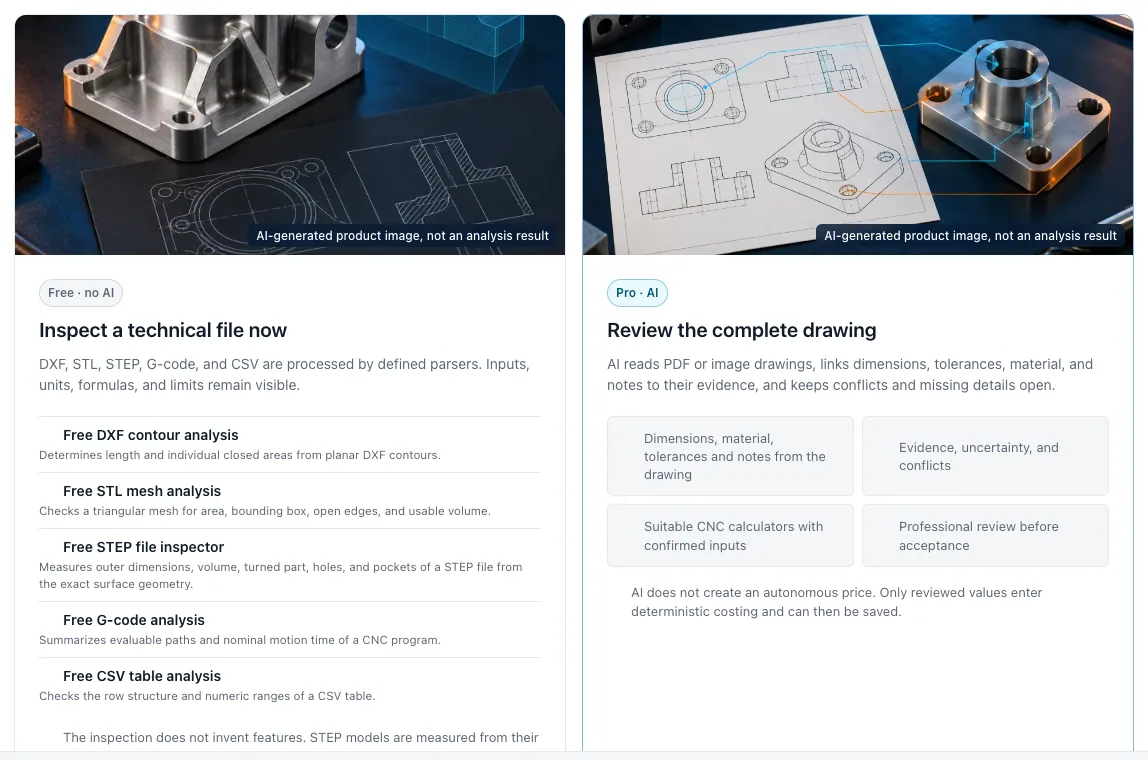
The free file analysis works without AI with defined parsers. From flat DXF contours it determines lengths and closed surfaces, from STL meshes surface, envelope dimensions, open edges and volume. STEP models it misses from the exact surface geometry: external dimensions, volume, surface, rotary diameter as well as proposed holes, thread candidates and pockets. G-Code summarizes them to evaluable paths and nominal movement time, CSV tables to line structure and number ranges. Characteristics that are not in the file do not invent the evaluation; tolerances, fit and surface information are only in the drawing.
You can read the PDF drawing on your own in this way. You can take the values from them into the appropriate computers, such as ISO fit, limit dimensions, stock weight or milling time, and merge them in the unit cost calculator or in the offer assistant. The assistant calculates up to 20 positions with material, times, hour sets and commercial conditions, either in dialog or as a form.
Fully automatic calculation design in Pro
In Pro, the app takes over the reading, assignment and calculation step. The AI looks at the whole sheet, reads title block, views and cuts in enlarged sections and compares each item with the embedded text of the PDF and, if available, with the STEP model. This automatically creates a calculation draft with stock, work plan, times, costs and batch prices.
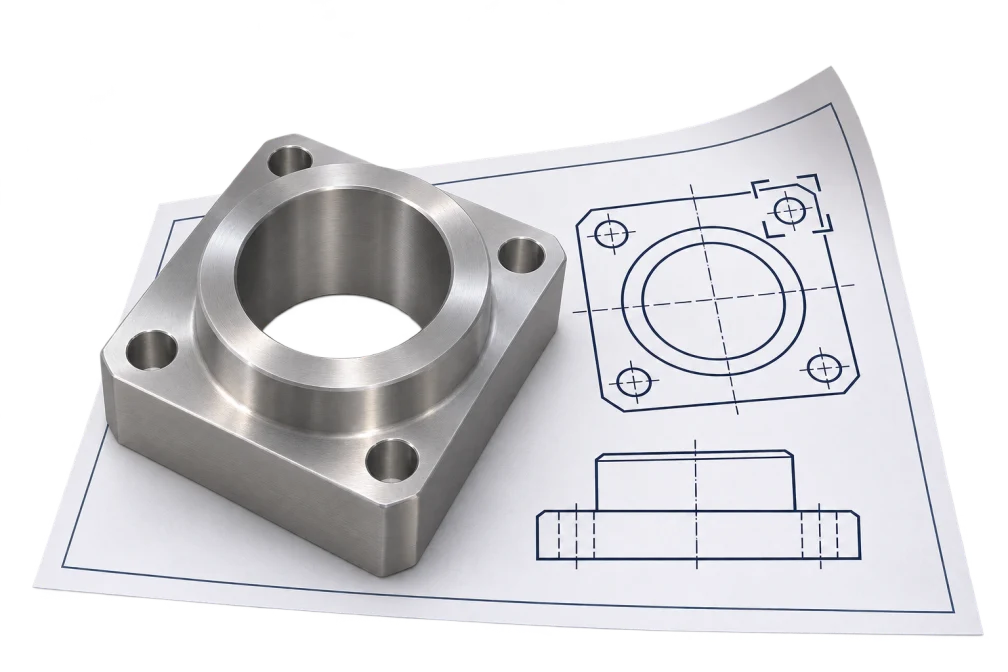
Each value shows its location, contradictions remain visible as a conflict, and missing information is available as a question. The prices calculate the specified calculation logic using your rates, not the AI, and the design will only be taken over when you release it. A general accuracy rate of detection is not documented. Pro is available and will be activated on request; the price will be mentioned on request.
Limits and test steps before offering
Even a fully read drawing does not answer every calculation question. Number of pieces, retrieval rhythm, delivery date, inspection documents and material certificates are usually in the request, not on the sheet. Revision levels of drawing and CAD model must match; different dimensions between both, clarify before the calculation which source applies. Poor readable scans, overlaid dimensions and unusual symbols are typical sources of error, whether a person or a software reads.
A short comparison is worthwhile before release: Is each tolerated measure assigned to a work step, each treatment is recorded as a third-party performance, fit stock and material condition to the writing field, and is each acceptance marked as such? The price is ultimately released by a human being.
Questions and answers
Can I upload a PDF drawing and get a price immediately?
In Pro yes: The app automatically creates a calculation draft from PDF drawing and STEP model with price and season, which you check and release. In the free app you evaluate technical files such as DXF, STL, STEP, G-Code and CSV without AI and calculate with the values you read from the drawing. Pro is activated on request.
Does the app recognize tolerances and threads from the CAD file?
Tolerances do not, threads only as candidates. The STEP test measures external dimensions, volume and surface and suggests holes, thread candidates and pockets, the STL evaluation provides surface, volume and open edges. Tolerances, fits, threads and surfaces from the drawing are mandatory.
Why is the reference ever so important?
Because it is only possible to check whether a value has been taken over correctly. In a new revision or a query, you will immediately see which calculation size depends on which drawing specification.
Are uploaded files stored?
The free file computers transfer the content to the server for calculation, but do not save it as a file. You only save calculations if you do so with a free account.