What the G-code evaluation calculates
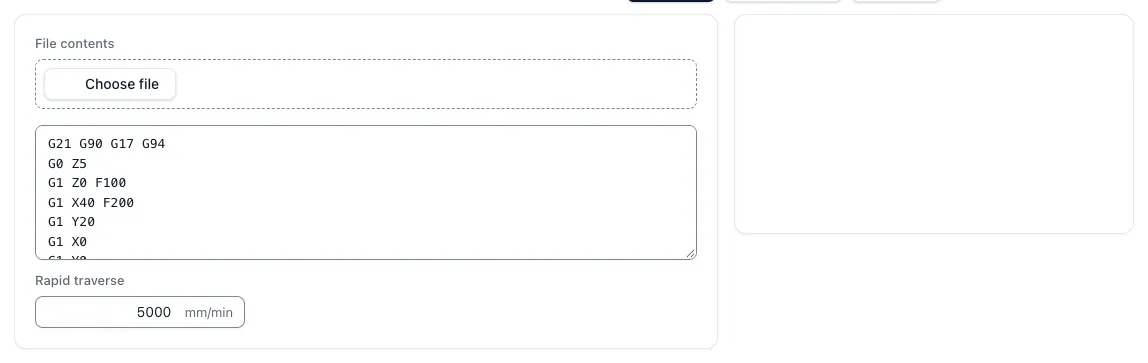
The tool "Evaluate G-Code" reads an NC program as text, either as a file with the ending .nc, .tap, .gcode or .txt or directly inserted. It follows the modal state set for set: millimeters or inches (G21, G20), absolute or incremental dimensions (G90, G91), the working plane (G17, G18, G19) and the feed type (G94, G95). For each straight line set G0, it adds the line to the rapid path, for G1 the straight line and for G2 and G3 the arch length to the feed path, for screw lines including the delivery in the third axis. Comments in brackets or after a semicolon do not disturb.
The output is feed path, rapid path, the nominal movement time and the number of evaluated movements. A schematic XY projection of the first 500 legible sets helps to detect outliers like a false zero point. A simulation with material removal or a collision check is not that, and programs do not create the tool either.
t_nom = ◄ L_G1,G2,G3 ÷ vf + ◄ L_G0 ÷ v_Earthline
Feed per minute, feed per revolution and rapid response
Under G94, the F address is the feed speed in mm/min. Under G95, F is the feed per revolution, and the evaluation multiplies it with the last programmed speed S. A drill set with G95, F0.15 and S2000 therefore runs at 300 mm/min. If a feed motion is missing a positive feed or the speed, the time remains open instead of being expected to be.
The speed is not in the program. You enter the value of your machine; default is 5,000 mm/min. The starting point is zero at X, Y and Z until the program starts a position. Whole numbers without a decimal point read the evaluation as full millimeters. Some controllers interpret such values differently depending on the parameterization; therefore, for older programs it is worth looking at the spelling.
vf = F (G94) · vf = F × S (G95)
When the movement time remains open
The evaluation only calculates what is unique without knowledge about control and machine. For a complete time output, therefore, program sections that consist only of travel rates, such as the contour of a single tool, are suitable. Even without total time, the way totals are useful: The feed path divided by the programmed feed is a quick control of the main time. Expressing passages that start or end below Z = 0, the evaluation additionally reports, so that zero point and free space are checked on the machine.
If the program contains commands that do not reproduce the evaluation, it shows the way totals of the readable sentences with a hint and leaves the total time open. This concerns above all:
- Drilling and threading cycles G81 to G89 with their positional sets up to G80
- residence times G04, tool length and radius correction such as G43, G41 and G42 and zero point shifts other than G54
- Variables, conditions, jumps and subprogram calls with M98 and M99
- Rotary and auxiliary axles A, B, C, U, V and W
- Arcs whose center or radius does not match the start and end point
From movement time to programme time
The nominal movement time is a lower limit. The machine accelerates and slows down every change in direction, reduces the web feed for many short sets and takes time for spindle highs, tool changes, measurements and programmed breaks. These parts are not in the travel paths and are supplemented separately for cycle time per part and offer.
Two more tools of the app cover the most common parts. The tool change time multiplies the programmed change per part with the chip-to-span time of your machine and complements the wear change resulting from cutting time and service life over the order quantity. The dwell time converts seconds per G04 event over all parts into minutes and costs. The control determines which unit the address behind G04 has; the programming manual calls it.
t_program 🙂 t_nom + n_WZW × t_Span-span + n_G04 × t_remain + t_other
Example of calculation: 250 housings with eight tools
Assuming the evaluation of a program results in 6.2 minutes of nominal movement time, of which the work preparation estimates 4.5 minutes as cutting time. The program changes eight tools at 6 seconds chip-to-span time and contains twelve dwell times of 1.5 seconds each. The service life of the cuttings is 45 minutes, a wear change takes 3 minutes, the machine hourly rate is 85 €/h. All numbers are sample values.
This means that the machine time costs around €10.75 per part instead of €8.78 from the pure movement time; over 250 parts are almost €500 different before acceleration, setup and measurement are taken into account. The measured runtime of the first part shows how far the nominal time differs from the machine. The individual steps:
- Programmed change: 8 × 6 s = 48 s, i.e. 0.8 min per part
- Wear change: 250 × 4.5 min ÷ 45 min results 24 change after the first cutting edge, 72 min for the application or about 0.29 min per part
- Time spent: 12 × 1,5 s = 18 s, i.e. 0.3 min per part, 75 min or 106,25 € for the order
- Unit time: 6,2 + 0,8 + 0,29 + 0,3 7,6 min instead of 6,2 min
Questions and answers
Is the tool a G-code viewer or simulator?
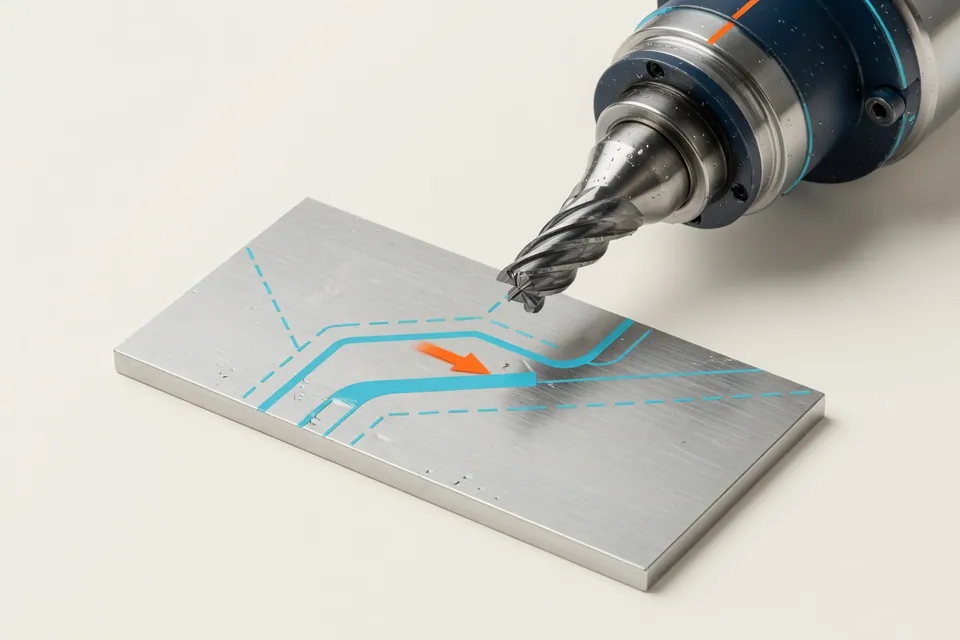
No. It sums up paths and nominal movement time. The schematic XY projection of the first 500 legible sentences, in which rapid passages appear dashed and arcs as tendons, serves only for plausibility control. Material removal, 3D view and collision check remain the task of CAM system and machine simulation.
Why does the app not show runtime for my program?
Because the program contains commands that do not reproduce the evaluation, such as drill cycles, G04, tool length correction, subprograms or rotation axes. Then the distances of the readable sentences appear with a hint, the total time remains open. A section consisting of only G0, G1, G2 and G3 sets with unit, layer and feed data is fully calculated.
How exactly is the nominal movement time?
It is the computational lower limit with constant feed and constant rapid response. The real runtime is longer because the machine accelerates, reduces the web feed at short sets and adds non-cutting times. The measured time of the first part is the best comparison.
How do I calculate dwell times from G04?
Count the G04 sets per part and read the duration; whether the address means seconds or milliseconds, determines the control. The residence time calculator of the app multiplies seconds, events and quantity and evaluates the result with your cost rate.
Will my NC program be saved?
The program text is transmitted to the server for calculation, but not saved as a file. If you want to save the calculation with your input, you need a free account.